
Go Legal AI
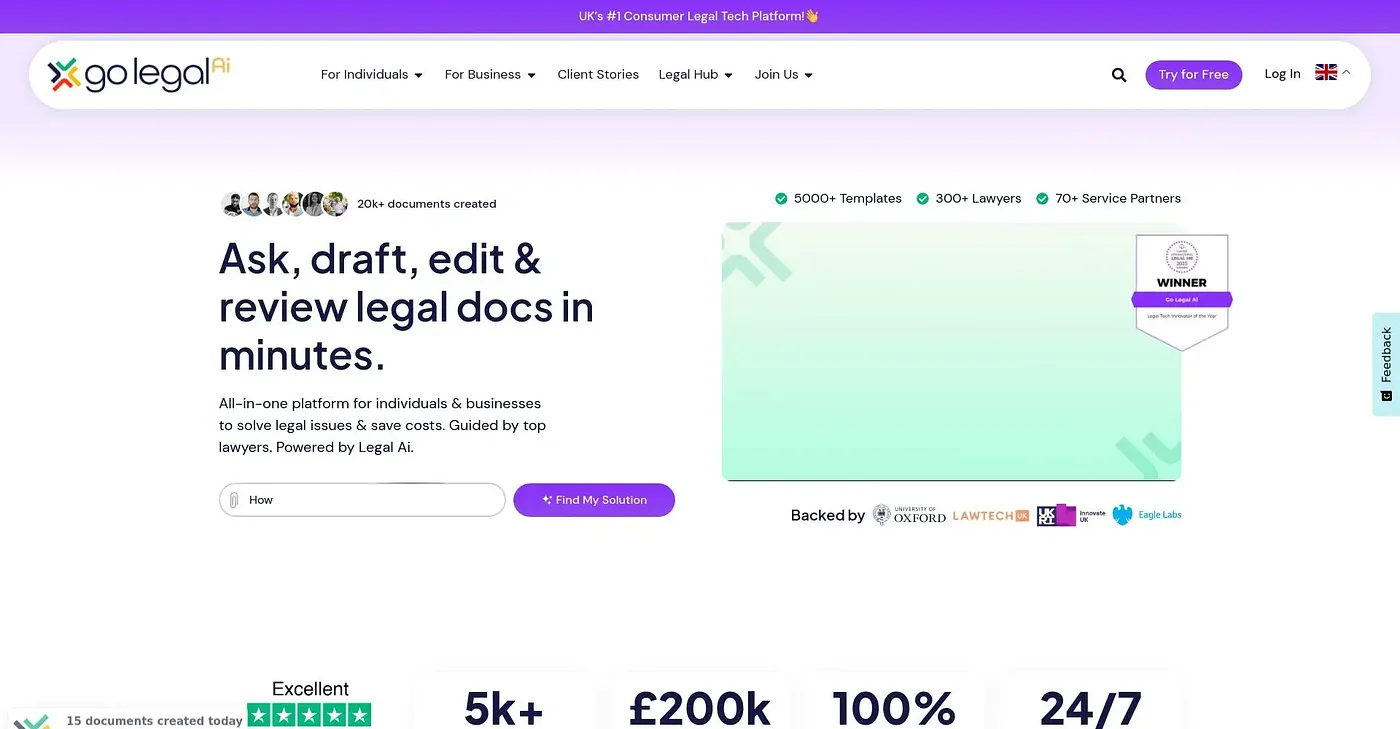
Create, review & manage legal documents 10x faster with Legal AI. Expert advice and templates in minutes.
At a glance
3.9 out of 5
Scored by Alex after real useOur verdict
Go Legal AI excels at generating and reviewing documents quickly. However, it may not be the best for complex legal cases or those requiring deep human expertise.
✓What it does well
✕Where it falls short
Key features
Questions about Go Legal AI
What does Go Legal AI do?
Go Legal AI helps users create, review and manage legal documents, which the vendor says is 10x faster with its Legal AI. It includes a range of free pre-made templates and an AI co-pilot that drafts, edits and customizes documents. The reviewer says its Rapid Review cuts review time by 90%.
How much does Go Legal AI cost?
Go Legal AI has a limited free tier. The Personal plan costs $9.95 per month and includes 3 templates and smart tools, while the Business plan costs $49.95 per month and adds expert access on top of the Personal features.
Is Go Legal AI suitable for complex legal cases?
Not according to the reviewer, who says Go Legal AI may not be the best choice for complex legal cases or matters requiring deep human expertise. Toolio lists it as best for lawyers, small businesses and individuals who need documents generated and reviewed quickly.
What are the downsides of Go Legal AI?
The reviewer notes that Go Legal AI lacks real-time collaboration features such as live chat or video conferencing for client interactions. Premium services and expert consultations incur extra fees, and it is not built for complex legal cases.
What alternatives to Go Legal AI does Toolio list?
Toolio's alternatives include Responsible AI Institute, LegalRobot and Lawformer. Lawformer offers legal AI agents that work on contracts inside Microsoft Word, while LegalRobot is limited to contract analysis and simplification. Go Legal AI itself holds a Toolio score of 3.9 out of 5.