
Humanize AI Text
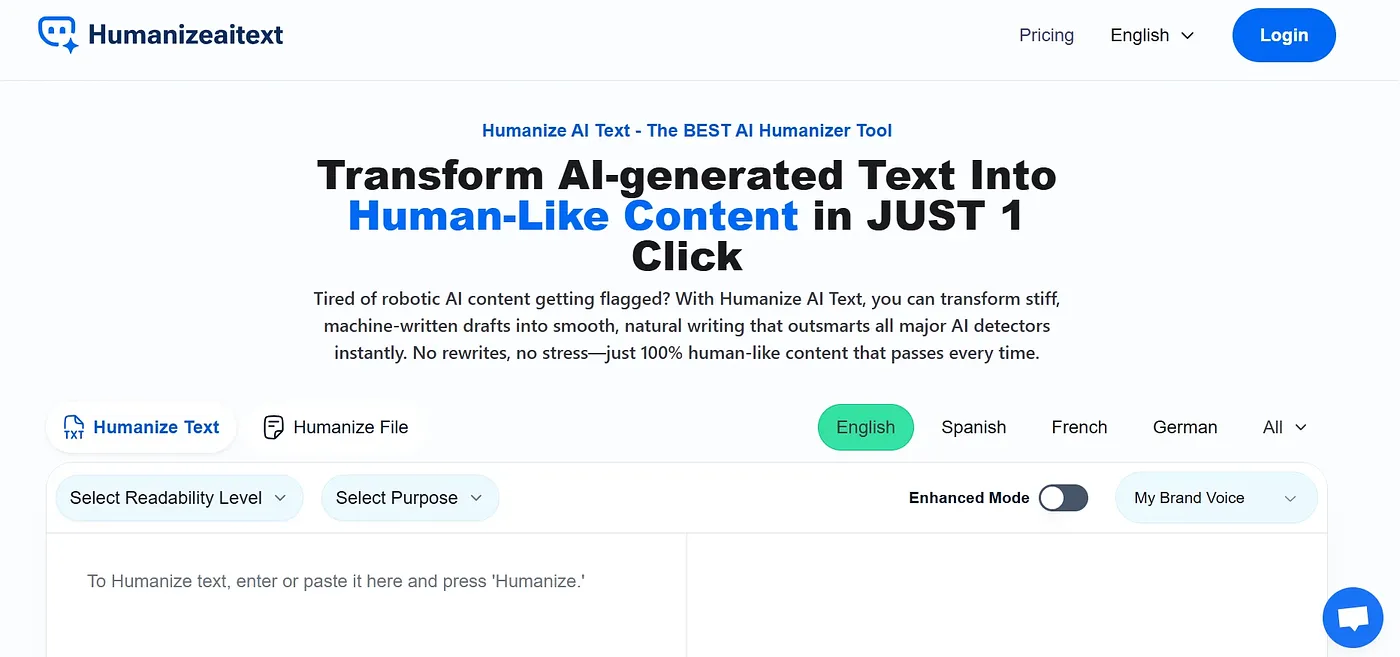
Turn AI-generated text into natural, human-like content with one click. Perfect for writers and marketers.
At a glance
3.9 out of 5
Scored by Alex after real useOur verdict
Humanize AI Text turns robotic writing into smooth, engaging content. However, it's not ideal if you need advanced technical adjustments or detailed formatting control.
✓What it does well
✕Where it falls short
Key features
Questions about Humanize AI Text
Is Humanize AI Text free?
Humanize AI Text is listed as free on the vendor's site, and Toolio shows a Free plan at $0 with no paid plan listed. The free tier is marked as limited. It runs in the web browser, with one-click conversion that the reviewer calls easy to use.
What does Humanize AI Text do?
Humanize AI Text turns AI-generated text into natural, human-like writing with one click. It offers readability levels for university, high school and doctorate audiences, and the vendor lists a Claude Watermark Remover that removes watermarking from Claude-generated content.
Does Humanize AI Text help with SEO?
Only slightly. The reviewer says better readability helps SEO a little, but SEO is not a primary focus of Humanize AI Text, which concentrates on readability instead. The lack of SEO optimization appears among its listed shortcomings.
What are the downsides of Humanize AI Text?
The reviewer says Humanize AI Text does not allow detailed formatting control or advanced technical adjustments. Highly technical or legal documents may need manual editing afterwards, and Toolio lists complex legal documents under who it is not for.
What are some alternatives to Humanize AI Text?
Toolio lists Text Buddy, Hix, Ibilling and Ally Chrome Extension as alternatives to Humanize AI Text. Text Buddy generates clear, human-like content, while Hix is aimed at marketing, research and content creation. Humanize AI Text itself scores 3.9 out of 5 from Toolio reviewer Alex.