
Kimi 小助手 Chrome Extension
A Chrome assistant built on the Kimi AI model for chat, search, writing, and translation.
At a glance
2.7 out of 5
Scored by Alex after real useOur verdict
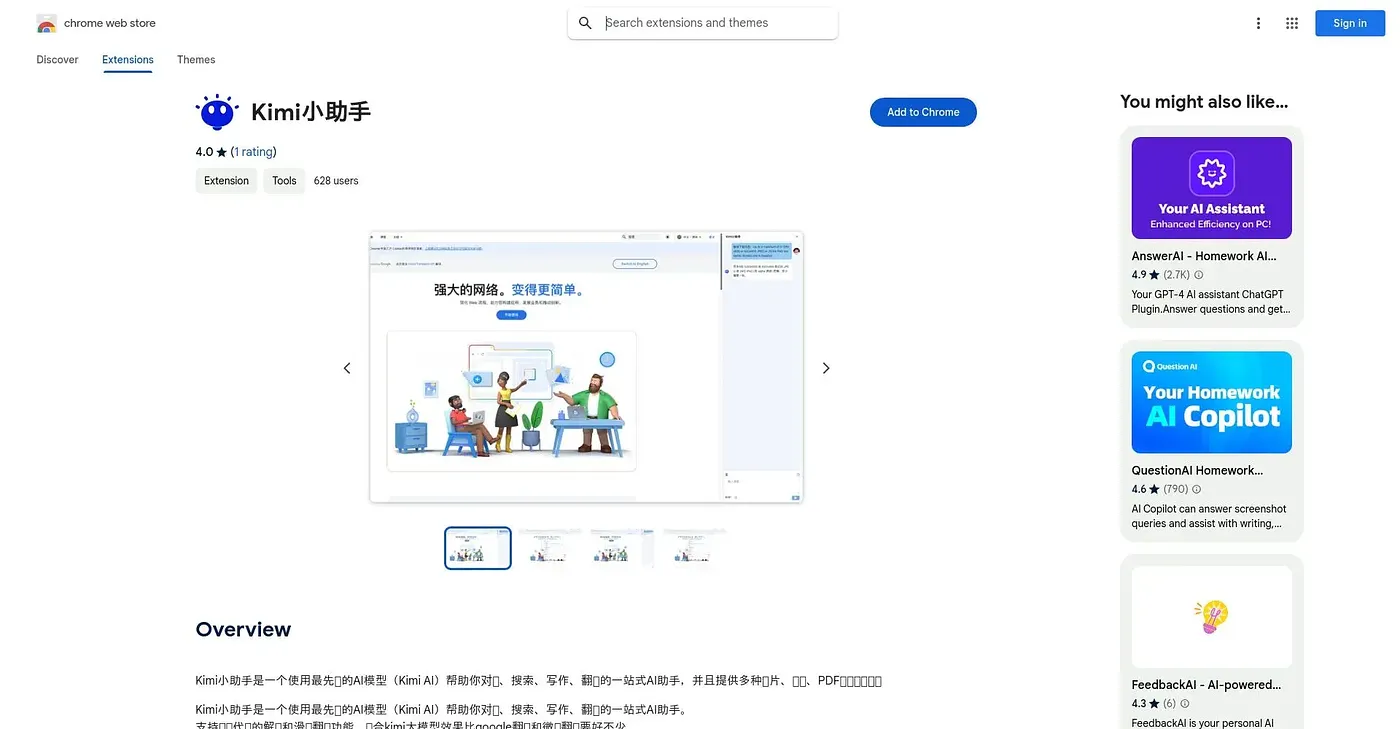
This extension wraps the Kimi AI model into a Chrome sidebar for chatting, searching, writing, and translating as you browse. It adds hover-to-translate for selected text and one-click summaries for pages on sites like Weibo, Bilibili, Xiaohongshu, and WeChat Reading. It's aimed at Chinese-language users on Baidu or Bing, and its own store rating sits at 2.7 out of 5 from just three ratings.
✓What it does well
✕Where it falls short
Key features
Questions about Kimi 小助手 Chrome Extension
What can Kimi 小助手 Chrome Extension do while browsing?
Kimi 小助手 Chrome Extension wraps the Kimi AI model into a Chrome sidebar for chatting, searching, writing and translating while browsing. It adds hover-to-translate for selected text and one-click summaries for pages on sites such as Weibo, Bilibili, Xiaohongshu and WeChat Reading.
Does Kimi 小助手 Chrome Extension translate selected text?
Yes. Selecting a word or phrase on any page with Kimi 小助手 Chrome Extension triggers an instant translation, so there is no need to leave the page. The reviewer lists this hover translation among its main strengths, alongside one-click summaries and enhanced search.
Does Kimi 小助手 Chrome Extension work with Baidu and Bing?
Kimi 小助手 Chrome Extension layers extra AI-enhanced results on top of Baidu and Bing searches. The reviewer says it is aimed at Chinese-language users of those search engines, and Toolio marks it as not for non-Chinese speakers or people on browsers other than Chrome.
What are the drawbacks of Kimi 小助手 Chrome Extension?
Kimi 小助手 Chrome Extension works only in Chrome, and its summary feature targets specific Chinese platforms rather than general websites. Its store rating sits at 2.7 out of 5 from only three ratings. Toolio's own score, given by Alex on 5 Oct 2026, is also 2.7 out of 5.
How much does Kimi 小助手 Chrome Extension cost?
Kimi 小助手 Chrome Extension costs nothing to use. Toolio found no paid plan on the Chrome Web Store in September 2026, and the free tier is listed at $0. Toolio lists Vidyard Screen Recorder - Chrome Extension, EcomAdPro, Promptsora and Yuzzit Video as alternatives.