
Lexica AI
Create UIs with AI descriptions.
At a glance
4.0 out of 5
Scored by Alex after real useOur verdict
Quickly turn text into interactive designs. Great for non-designers but lacks deep customization options.
✓What it does well
✕Where it falls short
Key features
Questions about Lexica AI
What does Lexica AI do?
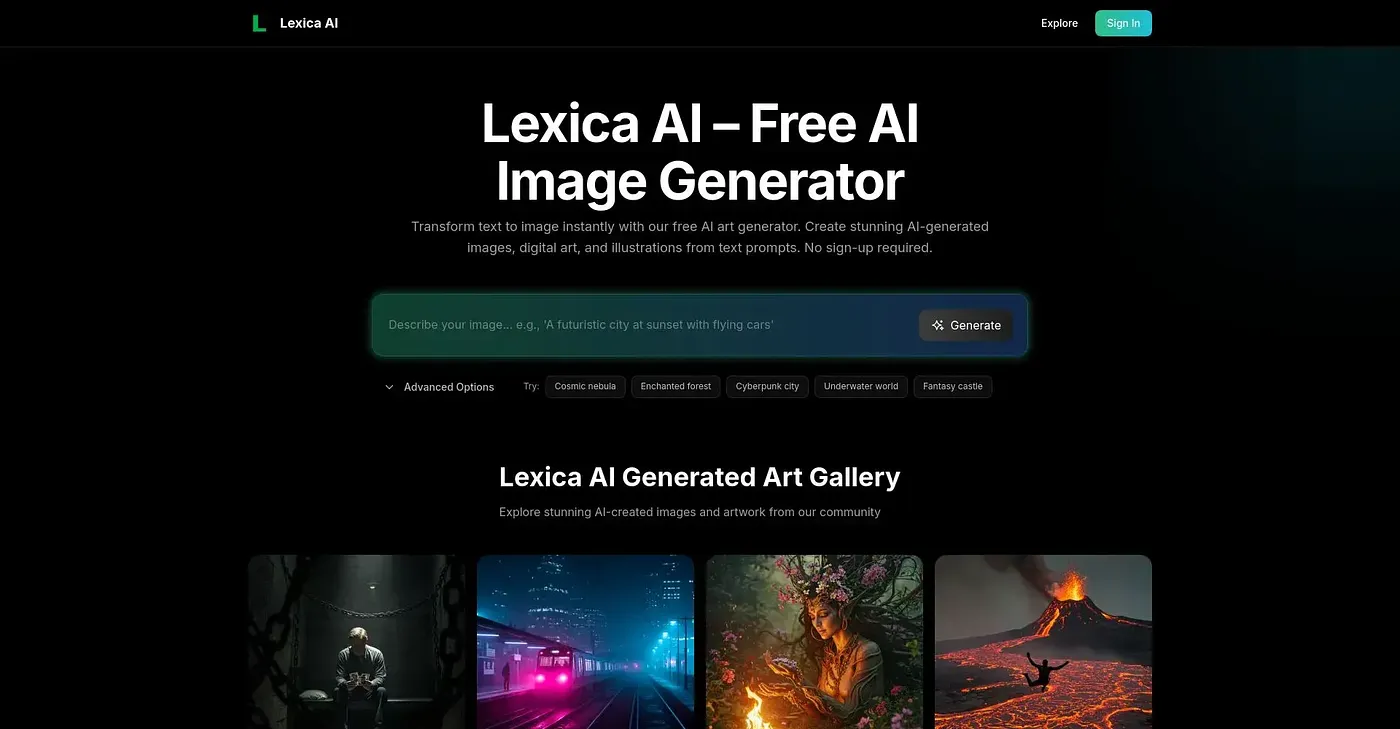
Lexica AI turns text descriptions into interactive UI designs. It converts simple descriptions into interface elements instantly, reflects edits to the text in the design output in real time, and builds the UI before the user's eyes. The reviewer says it is great for non-designers.
Is Lexica AI free?
Lexica AI is listed with a free tier and a starting price of $0, and no paid plan was found on the vendor's site in September 2026. It runs on the web, macOS and Windows.
Do you need to code to use Lexica AI?
No coding is needed for most work, as Lexica AI automatically turns descriptions into functional interfaces. The reviewer notes, though, that complex projects may require some HTML knowledge, and Toolio lists it as not for coders with complex projects.
What are the limitations of Lexica AI?
The reviewer notes that Lexica AI offers basic styling options but not advanced customizations. It only accepts text-based inputs, with no support for visual or hand-drawn input methods. Anyone who needs deep control over a design's look may find it limiting.
How does Toolio score Lexica AI?
Lexica AI has a Toolio score of 4.0 out of 5, given by Alex after real use on 3 Oct 2026. Toolio lists it as best for designers and non-coders, and the reviewer values how quickly it turns text into interactive designs. It has been listed since November 2025.