
Minvo
Create clips, images in minutes.
At a glance
4.0 out of 5
Scored by Alex after real useOur verdict
Minvo excels for quick content creation but may not fit those needing advanced editing options or higher upload limits.
✓What it does well
✕Where it falls short
Key features
Questions about Minvo
What can you do with Minvo?
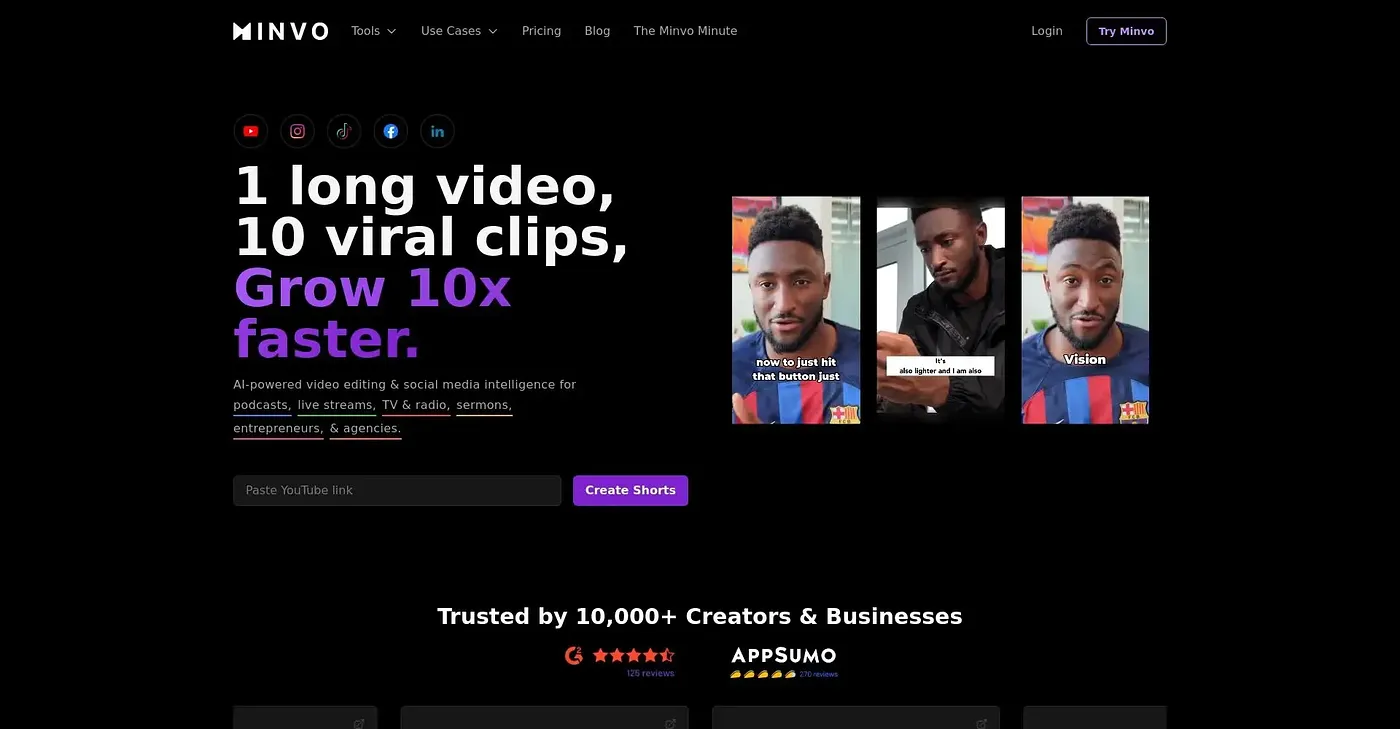
Minvo is an AI video editor that creates clips and images in minutes. It clips videos in seconds, scores clips on engagement potential, generates captions in multiple languages and offers AI voice dubbing. It can also schedule content to several social platforms at once and report on social media performance.
Is Minvo free?
Minvo has a limited free plan at $0, which the reviewer notes caps files at 2GB, too small for large video files. Paid plans are Pro at $7.49 per month, with unlimited exports and basic editing features, and Pro+ at $14.99 per month, which adds advanced editing options.
What are the limits of Minvo?
The reviewer points to three limits. The free plan has a 2GB maximum file size, editing is basic cutting and text overlay with no complex edits or effects, and the Pro+ plan is needed for more than 10 hours of uploads per month, which can get expensive. Toolio lists large video files among the things it does not suit.
Does Minvo have an API?
Yes, Minvo runs on the web and is also available through an API, according to Toolio's platform listing. Its tools include AI clip scoring, auto captions in multiple languages, voice dubbing and social scheduling. Toolio lists content creators on a budget as the best fit.
How does Toolio score Minvo?
Alex scored Minvo 4.0 out of 5 after real use. The verdict says it excels for quick content creation, with fast AI clipping, automatic captions and multi-platform scheduling among its strengths. It may not fit people who need advanced editing options or higher upload limits.