
Veggie AI
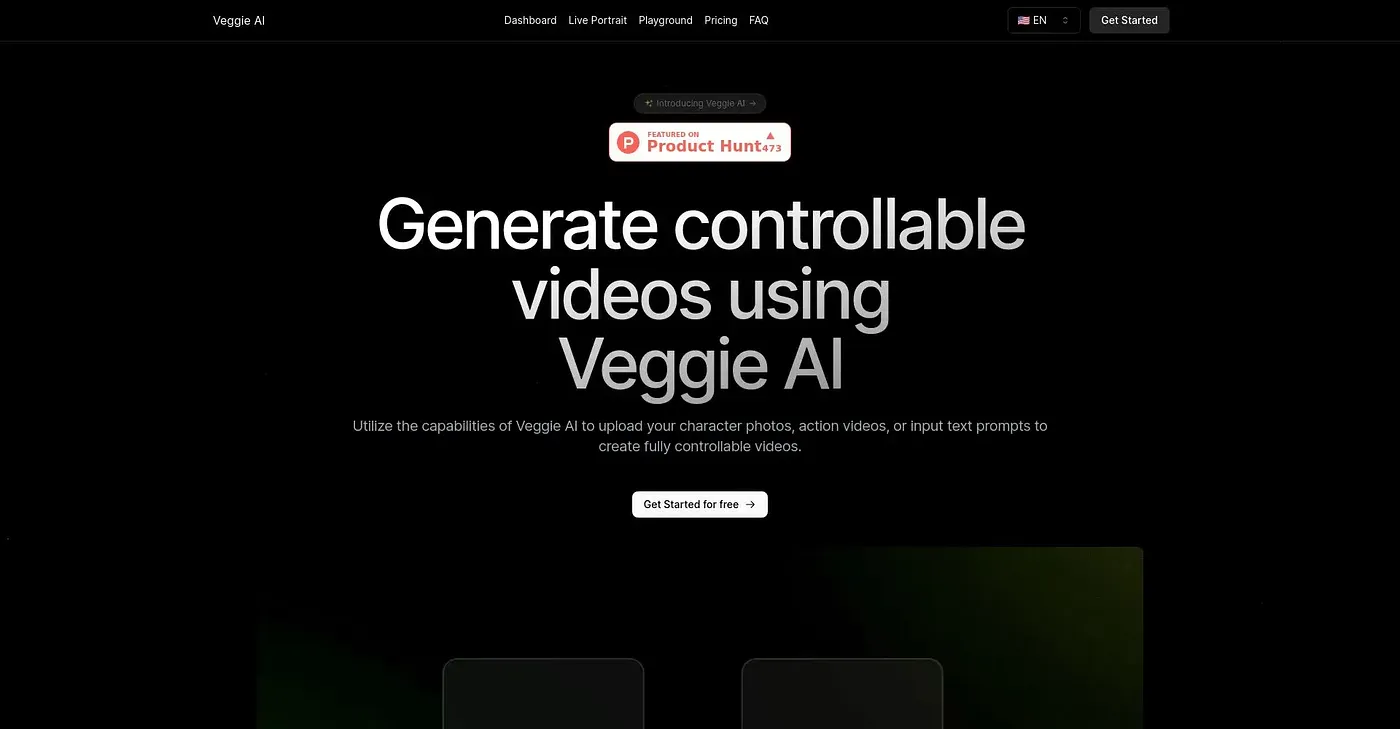
Generate controllable videos using Veggie AI. Simply upload character photos, action videos or text prompts.
At a glance
3.9 out of 5
Scored by Alex after real useOur verdict
Veggie AI generates controllable videos easily for users but lacks batch processing support. Not suitable if you need bulk video creation.
✓What it does well
✕Where it falls short
Key features
Questions about Veggie AI
What does Veggie AI do?
Veggie AI generates controllable videos from uploaded character photos, action videos or text prompts. It offers four creation modes, called Mix, Animate, Ideate and Stylize, and Stylize mode lets users change a character's style using image prompts. The reviewer says no prior knowledge of AI is needed, thanks to a simple drag-and-drop interface.
How much does Veggie AI cost?
Veggie AI uses a credit-based model with no free tier. The Basic plan costs $7.90 per month for 100 credits, Pro costs $13.90 per month for 500 credits with faster speed and a commercial license, and the Unlimited plan costs $199 per year for unlimited credits and the fastest generation speeds.
Can Veggie AI create videos in bulk?
No. The reviewer notes that Veggie AI primarily handles single video generation and lacks batch processing support, so it is not suitable for anyone who needs bulk video creation. Toolio says it is not for teams with large batch processing needs and lists it as best for creative individuals and small projects.
What platforms does Veggie AI run on?
Veggie AI runs on the web, macOS and Windows. The reviewer counts its ease of use, its versatile inputs of images, videos and text prompts, and its range of plans at competitive rates among the tool's main strengths.
What are the drawbacks of Veggie AI?
Besides lacking batch processing, Veggie AI provides no tools to edit or modify generated videos further. The reviewer also notes that more parameter adjustments come at an additional charge in the Pro plan. Alex scored it 3.9 out of 5 after real use on 3 Oct 2026.