
Mokker AI
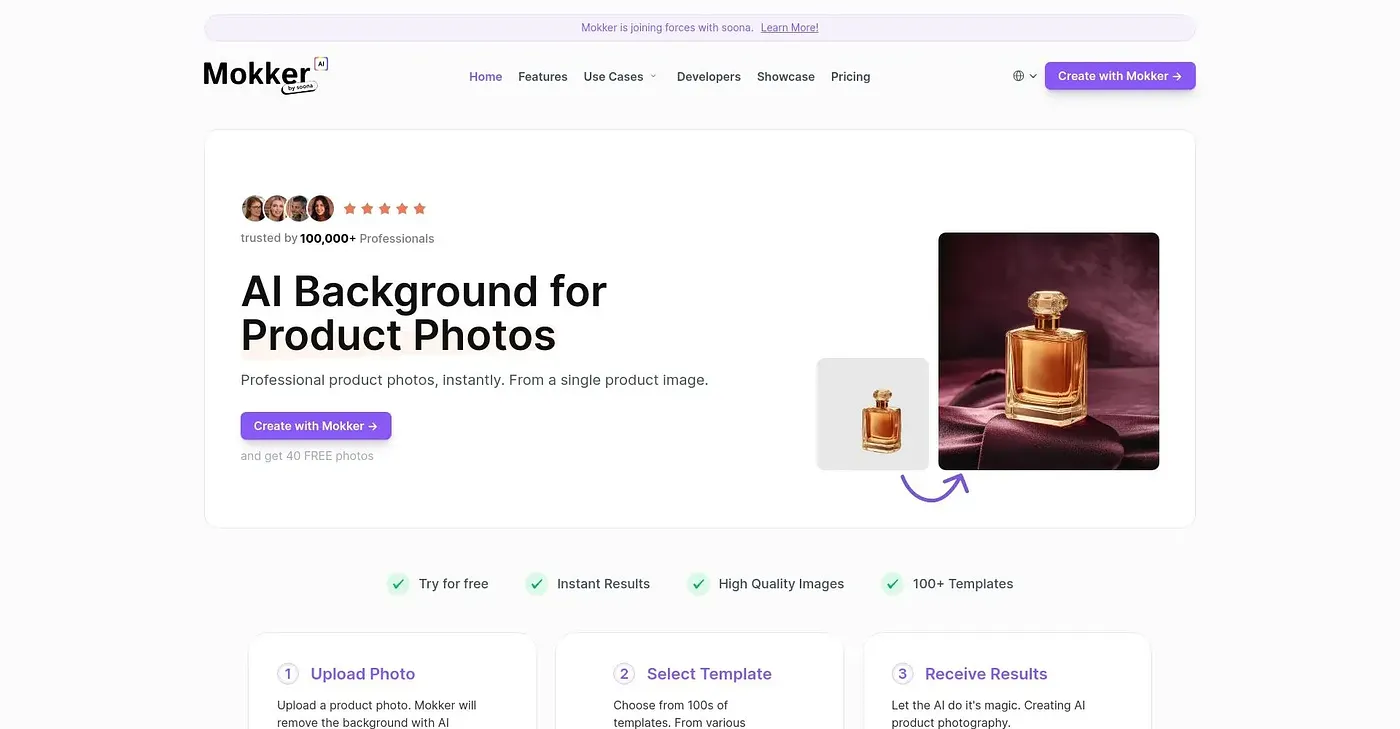
Upload a photo and Mokker AI instantly removes backgrounds with high quality results. Requires templates.
At a glance
4.0 out of 5
Scored by Alex after real useOur verdict
Mokker AI excels at removing backgrounds but requires using templates, which can feel limiting. Best suited for businesses needing quick edits without extensive customization.
✓What it does well
✕Where it falls short
Key features
Questions about Mokker AI
What does Mokker AI do?
Mokker AI removes backgrounds from uploaded photos and returns professional-looking product photos right away. It works through templates, with over 50 industry-specific options, and generates high-resolution images suitable for print. Toolio lists it as best for quickly enhancing product photos for websites or social media.
How much does Mokker AI cost?
Mokker AI has a limited free tier and a paid plan starting at $13 per month. The reviewer notes that the free plan offers only a few templates and a limited number of photos per month.
What are the downsides of Mokker AI?
The reviewer's main complaint is that Mokker AI depends on templates. They are pre-defined and offer limited design flexibility, and results rely heavily on the chosen template rather than freeform editing. Toolio lists it as not for designers who need complex customizations.
What alternatives to Mokker AI does Toolio suggest?
Toolio lists Image Enhancer, which uses Velee's AI to enhance images and works best on clear portraits and faces, and Image Layer, which splits images into layers and exports layered PSD files. It also lists AI Face Swap for images and Video Face Swap for videos.
What score does Toolio give Mokker AI?
Alex scored Mokker AI 4.0 out of 5 on 4 Oct 2026 after real use. The verdict says it excels at removing backgrounds but requires templates, which can feel limiting, and praises its instant results and high-quality images.