
Nano Banana Pro
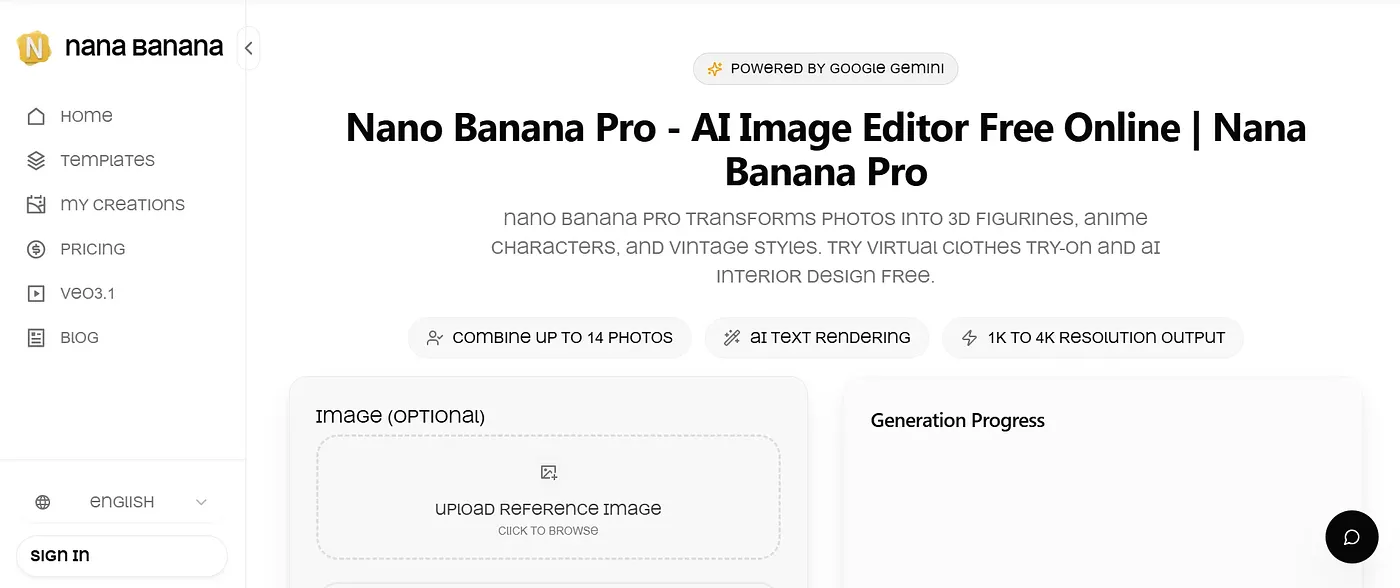
Transform photos into anime characters and vintage portraits. Best for artists, not heavy editors.
At a glance
4.0 out of 5
Scored by Alex after real useOur verdict
Nano Banana Pro excels at photo transformations but falls short on complex edits. It's perfect for quick artistic projects, not for detailed image retouching or advanced editing tasks.
✓What it does well
✕Where it falls short
Key features
Questions about Nano Banana Pro
What does Nano Banana Pro do?
Nano Banana Pro transforms photos into anime characters and vintage portraits using AI. It also offers virtual try-on for clothing, AI interior design for rearranging room elements, and editing with up to 14 images in a single creation, which suits quick artistic projects.
How much does Nano Banana Pro cost?
Nano Banana Pro has a limited free tier, with free credits on signup and more from daily check-ins. Paid plans include Starter at $6.21 per month, which adds priority support and faster generation speed, and Standard at $12.51 per month.
Is Nano Banana Pro good for advanced photo editing?
No. The reviewer says Nano Banana Pro is not suitable for advanced image retouching or complex edits, and Toolio marks it as not for advanced image editors. It is best for artists working on quick creative projects such as photo-to-anime transformations.
What are the downsides of Nano Banana Pro?
Besides weak support for complex edits, the reviewer notes that monthly plans are more expensive than the one-time discount offers, and output is limited to 4K resolution, which may be more than some users need. Alex scored Nano Banana Pro 4.0 out of 5 after real use.
What alternatives to Nano Banana Pro does Toolio list?
Toolio lists Toon Crafter, AI Anime Gen, Dream Canvas and Paper Animator as alternatives to Nano Banana Pro. AI Anime Gen turns text prompts or photos into anime-style art and video, starting at $7.99 a month, while Paper Animator turns images into paper animation.