NOOTA Screen Recorder - Chrome Extension
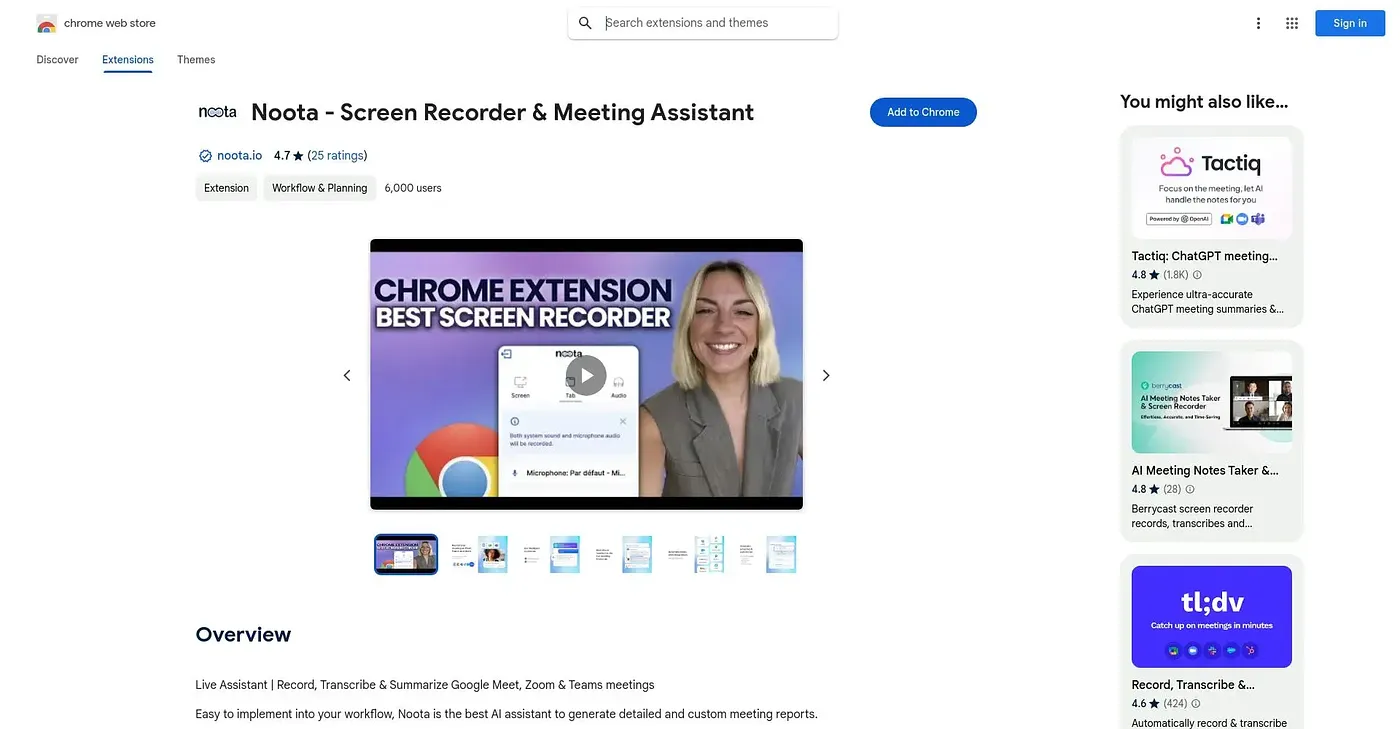
Records, transcribes, and summarizes Google Meet, Zoom, and Teams calls straight from a Chrome toolbar icon.
At a glance
Starts at
Free
No paid plan found on the Chrome Web Store, September 2026.
Free tier
Yes
Platforms
Chrome
Best for
Recruiters and teams recording lots of calls
Not for
Casual users who don't want extra paid modules
4.6 out of 5
Scored by Alex after real useOur verdict
Noota records, transcribes, and summarizes meetings across Google Meet, Zoom, and Teams straight from a Chrome toolbar button, with AI reports, scorecards, and follow-up emails generated automatically afterward. Recruiting teams get an extra Talent module that pulls in candidates from job boards and scores them against open roles. The extension lists in-app purchases, so some of the deeper reporting and scoring likely sits behind a paid tier, and it only runs in Chrome.
✓What it does well
One-click recordingIt records meetings, screen, or any browser tab without needing a bot to join the call.
Automatic transcriptsTranscripts, scorecards, and follow-up emails are generated automatically after each meeting.
Recruiting workflowA Talent module imports candidates from job boards and scores them against open roles.
✕Where it falls short
In-app purchasesIn-app purchases are offered, so some features likely require an extra paid upgrade.
Chrome onlyIt only runs as a Chrome extension, with no standalone desktop app listed.
Recruiting extras cost moreThe Talent module for recruiters is a separate add-on, not part of the basic recording feature.
Key features
Meeting recordingIt records Google Meet, Zoom, and Teams calls without needing a bot in the room.
AI transcripts & reportsIt generates transcripts, scorecards, and AI reports after each call.
Ask Noota chatAn AI chat lets you ask questions about past conversations and pull insights.
Candidate scoringThe Talent module imports candidates and scores them against open roles.