
Otter.ai - Chrome Extension
Transcribes meetings and any tab's audio live, then lets you chat with the AI about what was said.
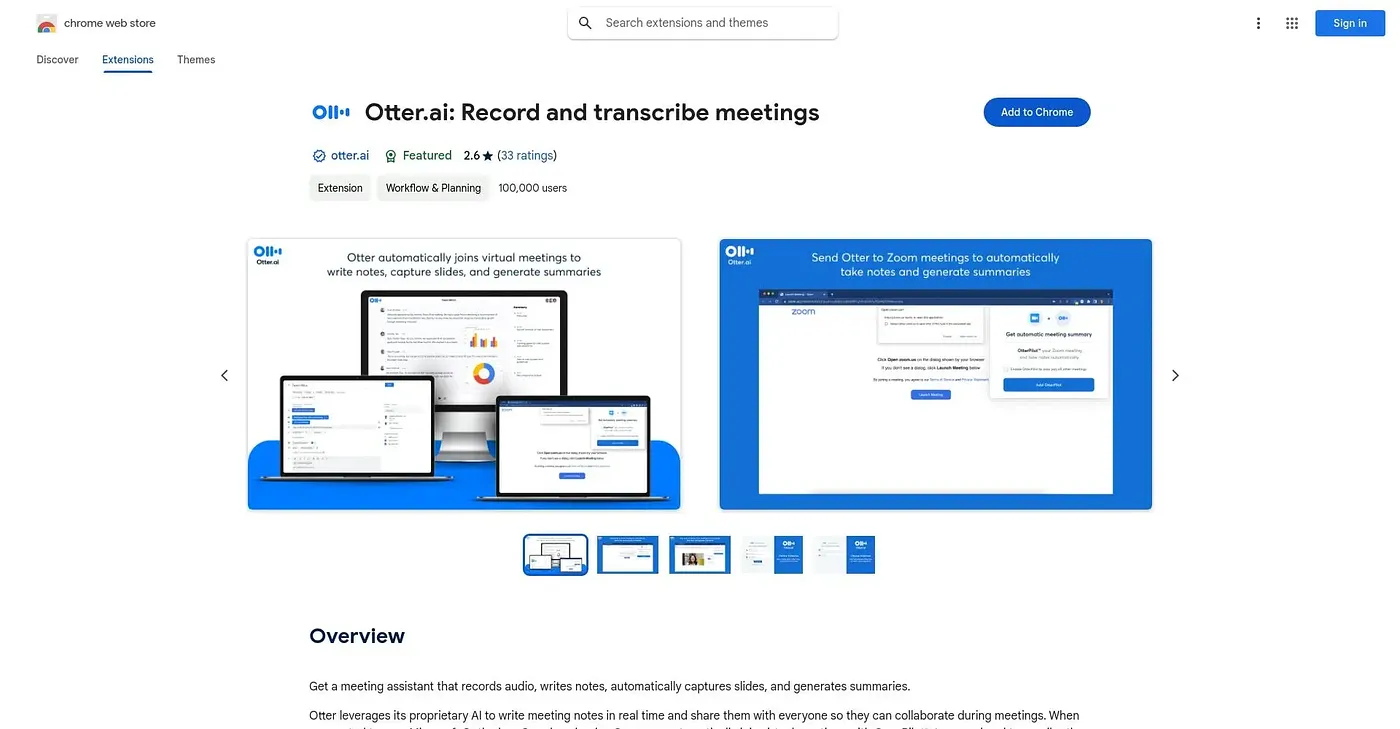
At a glance
Starts at
Free
No paid plan found on the Chrome Web Store, September 2026.
Free tier
Yes
Platforms
Chrome
Best for
People attending back-to-back Zoom and Meet calls
Not for
Anyone unwilling to create an Otter account
4.1 out of 5
Scored by Alex after real useOur verdict
Otter's extension transcribes live audio from Zoom, Teams, Google Meet, YouTube, and basically any tab, then layers on bullet-point summaries and a chat feature you can ask direct questions like what the deadline was. It skips sending a bot into Google Meet or Teams, which keeps meetings looking less crowded, though Zoom can still add an AI Notetaker as a participant. You do need to create and stay logged into an Otter account for any of it to work, and calendar sync is required if you want it joining future meetings automatically.
✓What it does well
Live transcriptionIt transcribes meetings and tab audio in real time with high accuracy.
Automatic meeting summariesBullet-point summaries and action items generate right after each call.
No-bot Google Meet modeIt can record Google Meet and Teams calls without adding an extra bot participant.
✕Where it falls short
Account requiredIt requires logging into an Otter account before it will transcribe anything.
Zoom still adds a botOn Zoom, the AI Notetaker still joins as a visible participant, not the no-bot approach used on Google Meet.
Calendar sync neededAutomatic joining of future meetings requires syncing your calendar first.
Key features
Live transcriptionIt captions and transcribes live audio from meetings and browser tabs.
AI meeting chatYou can ask the AI questions about what was said in a call.
Meeting summariesBullet-point summaries and action items generate automatically after calls.
Export & searchTranscripts can be searched and exported to Google Docs, Slack, or a CRM.