
Platstack - Chrome Extension
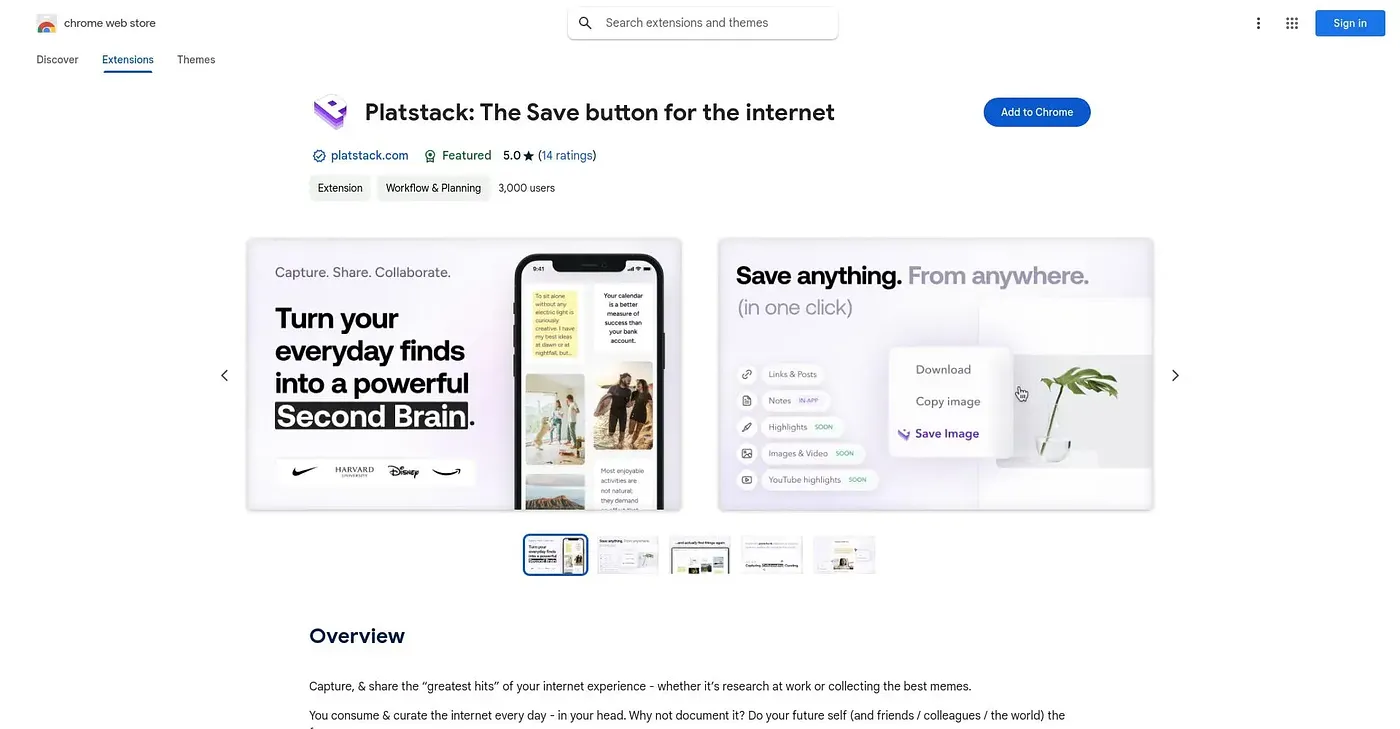
Clips links, highlighted text, and images from the web into one searchable personal library.
At a glance
Starts at
Free
No paid plan found on the Chrome Web Store, September 2026.
Free tier
Yes
Platforms
Chrome
Best for
Researchers curating and revisiting saved web content
Not for
Anyone unwilling to create a Platstack account
5.0 out of 5
Scored by Alex after real useOur verdict
Platstack saves links, highlighted text with your own notes, and right-clicked images into a personal collection you can revisit and, if you choose, share publicly to a broader pool of saved knowledge. YouTube video-highlight capture is listed as coming soon rather than available today. Using it requires a separate Platstack account and mobile app to get the full experience, so this extension alone is really just the web-clipping half of a larger system.
✓What it does well
One-click link savingAny site or post saves to your library with a single click.
Text highlighting with notesYou can highlight text, add notes, and optionally make them public.
Image savingRight-clicking any image saves it directly into your library.
✕Where it falls short
YouTube capture not liveCapturing YouTube video highlights is still listed as coming soon, not available yet.
Needs an accountIt requires a separate Platstack account to save or organize anything.
Extension is one pieceThis is only the web-clipper half of the product, not the full mobile app experience.
Key features
One-click link clippingIt saves any site or post to your library in one click.
Text highlightingHighlighted text saves along with your own added notes.
Image savingRight-clicking an image saves it directly to your collection.
Public sharing optionSaved notes can optionally be made public to contribute to shared knowledge.