Print Perfect AI - Chrome Extension
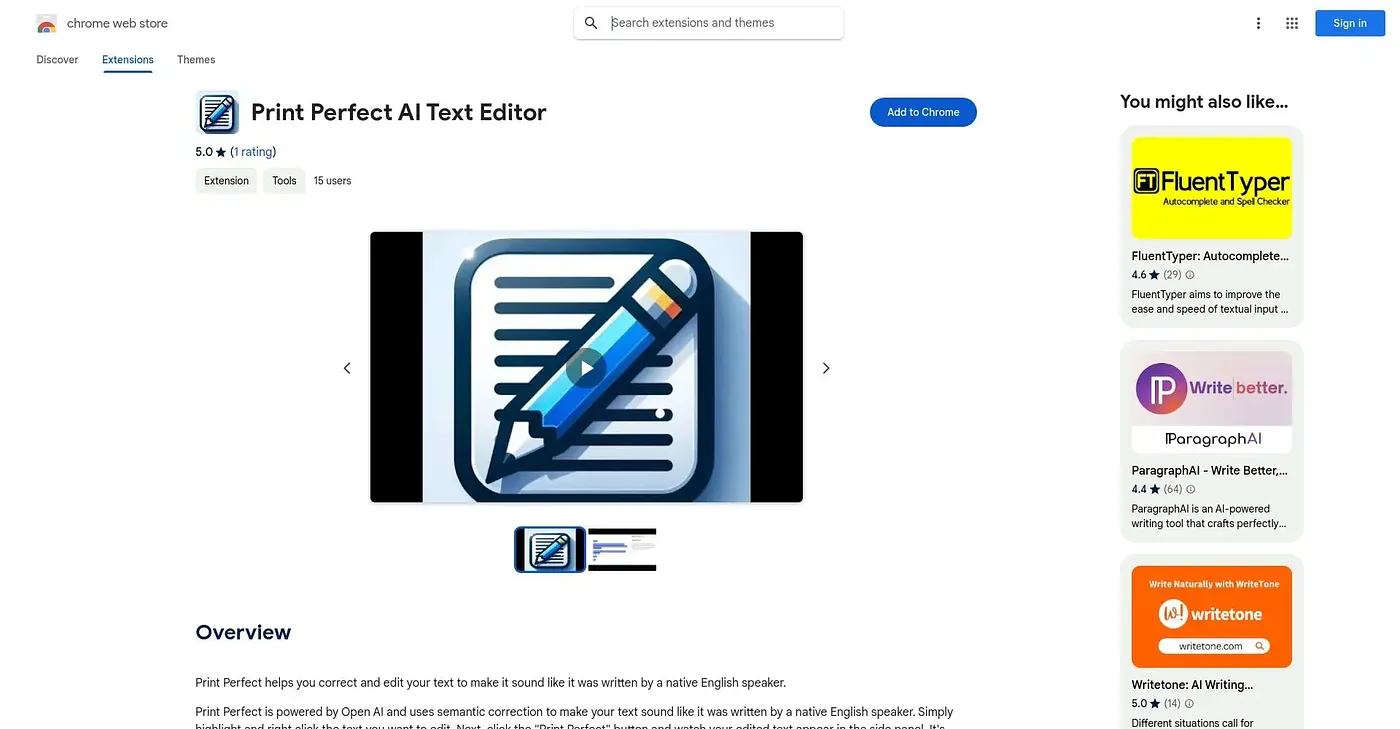
Rewrites highlighted text via right-click so it reads like a native English speaker wrote it.
At a glance
Starts at
Free
No paid plan found on the Chrome Web Store, September 2026.
Free tier
Yes
Platforms
Chrome
Best for
Non-native English writers polishing emails and listings
Not for
Anyone writing in a language other than English
3.9 out of 5
Scored by Alex after real useOur verdict
Print Perfect is a simple right-click tool: highlight text, click the button, and a native-sounding rewrite appears in a side panel, powered by OpenAI's semantic correction. It's aimed squarely at emails, website copy, and e-commerce listings rather than long-form writing. With just one public rating and a single fixed goal of sounding more native, it's a narrow tool rather than a full writing assistant with grammar checking, tone options, or translation.
✓What it does well
One-click native rewriteHighlighting text and clicking the button rewrites it to sound more native.
Side panel displayRewritten text appears in a dedicated side panel rather than replacing your original.
Broad use casesIt's built to help with emails, website copy, and e-commerce listings alike.
✕Where it falls short
Single narrow purposeIt does one thing, native-sounding rewrites, without grammar checking or tone options built in.
Thin rating historyIt has only one public rating, not much evidence of consistent quality.
English output onlyIt rewrites toward native English specifically, not other target languages.
Key features
Right-click rewritingHighlighting and right-clicking text triggers a native-sounding rewrite.
Side panel resultsEdited text appears in a side panel for easy comparison.
Semantic correctionIt uses semantic correction rather than simple word-swap grammar fixes.
OpenAI-powered rewritingRewrites are generated using OpenAI's language model.