
Ramble Fix
Perfect for professionals who want to sound natural and save time.
At a glance
3.9 out of 5
Scored by Alex after real useOur verdict
RambleFix turns your speech into polished text, saving you time while maintaining a professional tone. It's great for emails, notes, and meetings but may not be ideal for detailed writing tasks or storing audio recordings.
✓What it does well
✕Where it falls short
Key features
Questions about Ramble Fix
What does Ramble Fix do?
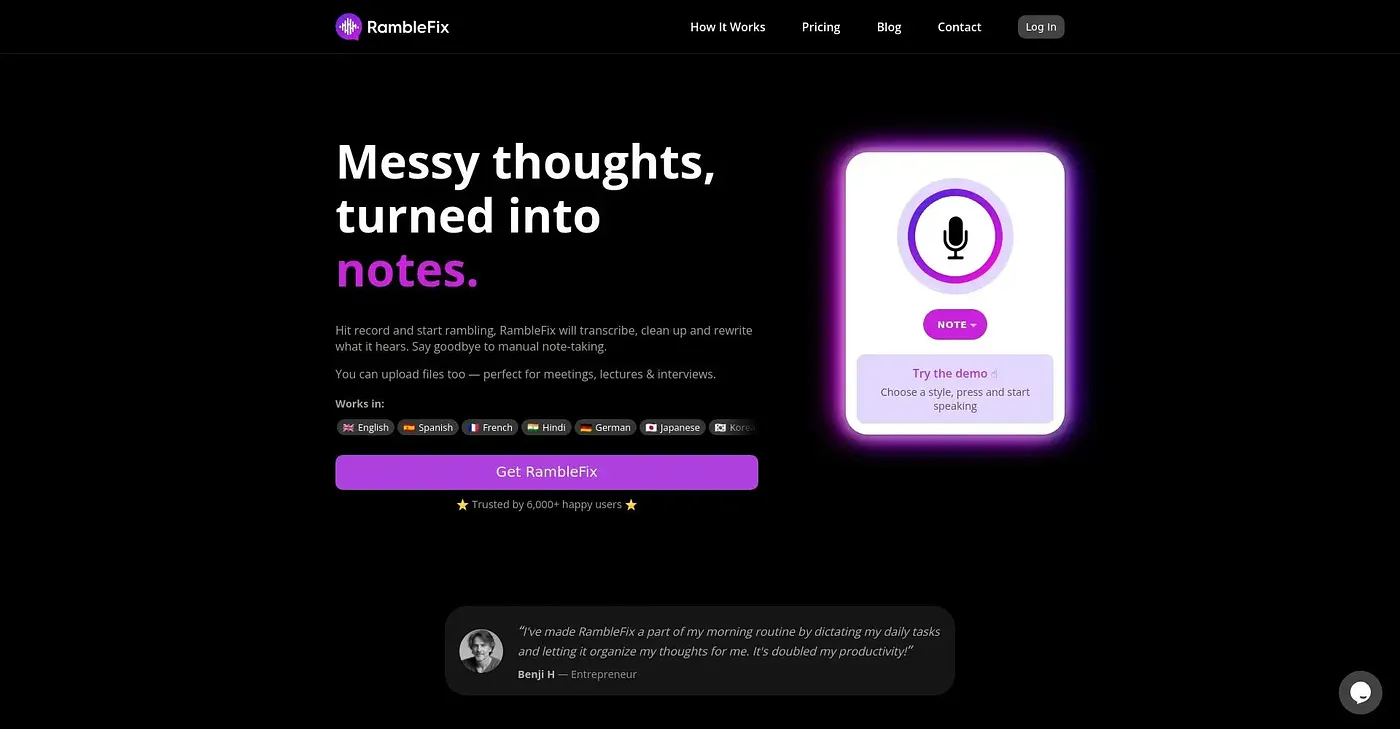
Ramble Fix turns speech into polished text while keeping a natural, professional tone. The reviewer says it suits emails, notes and meetings, and it can automatically summarize meetings and capture action items. It works inside most applications and websites through a hotkey.
Is Ramble Fix free?
Ramble Fix is listed as free on the vendor's site, and its free plan includes 1,000 words per month. The free tier is marked as limited, and Toolio lists no paid plan for it. It runs on the web and on macOS.
How many languages does Ramble Fix support?
Ramble Fix supports over 30 languages, which the reviewer lists among its main strengths. The reviewer also says it drafts content up to four times faster than typing, and it works in almost any application or website once activated with a hotkey.
Does Ramble Fix save audio recordings?
No. Ramble Fix does not store audio recordings after transcription, which the reviewer lists as a shortcoming for anyone who wants to keep the original audio. The reviewer also notes that it may not capture the full nuance of complex verbal ideas.
Who should skip Ramble Fix?
Toolio says Ramble Fix is not for long-form content creators, and the verdict notes it may not be ideal for detailed writing tasks. It is aimed at professionals who value a natural tone in everyday writing, and it holds a Toolio score of 3.9 out of 5 from Alex.