
Sketch Logo AI
Generate unique logos by sketching.
At a glance
3.9 out of 5
Scored by Alex after real useOur verdict
Sketch Logo AI turns your sketches into professional logos with impressive results. Great for designers and small businesses needing quick, custom solutions. However, it lacks advanced customization options for complex designs.
✓What it does well
✕Where it falls short
Key features
Questions about Sketch Logo AI
What does Sketch Logo AI do?
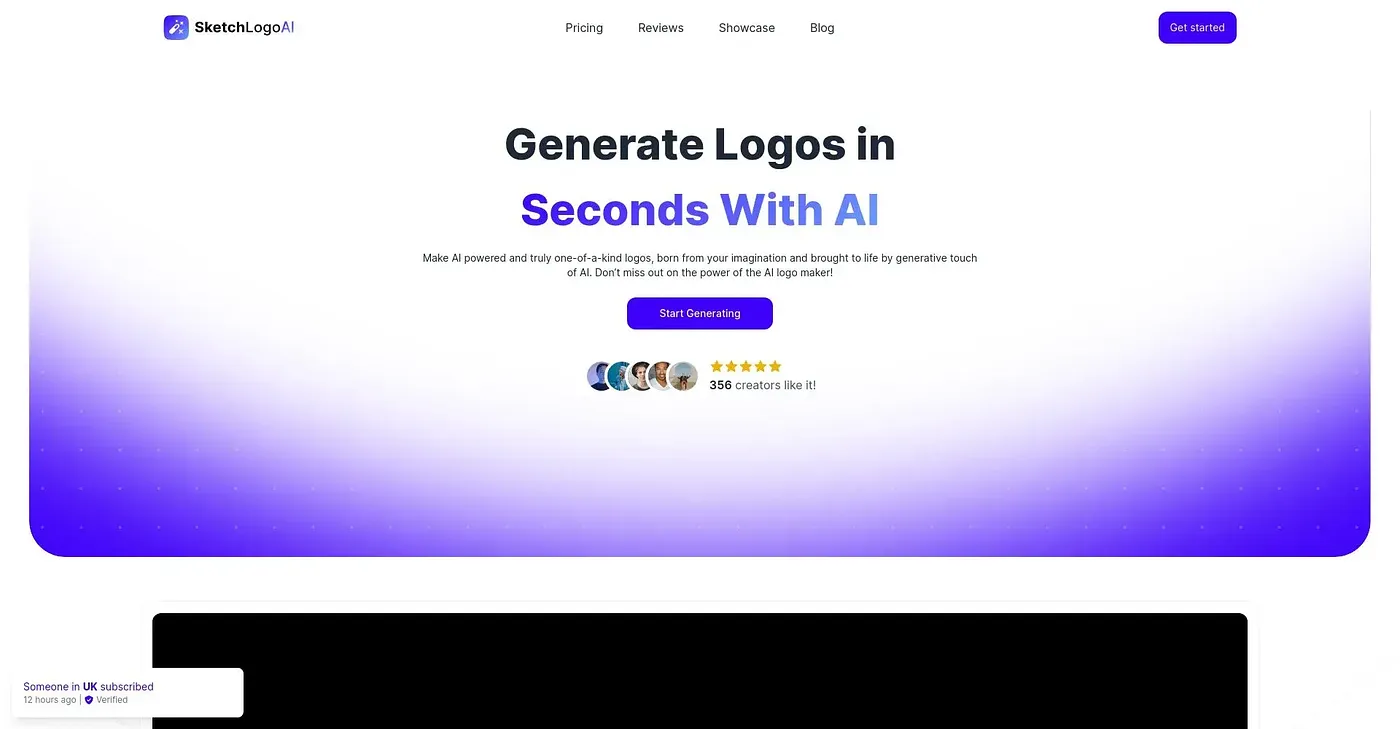
Sketch Logo AI turns sketches into logos using AI. It offers a range of logo and illustration styles, generates designs quickly, and can redesign existing logos. The reviewer calls the results impressive and says it suits designers and small businesses needing quick, custom logos.
How much does Sketch Logo AI cost?
Sketch Logo AI has no free tier. The Monthly Plan costs $9 and includes unlimited generation and styles, and there is also an Annual Plan at $65. These prices were published by the vendor in September 2026.
Does Sketch Logo AI have a mobile app?
Yes. Sketch Logo AI runs on the web and on mobile, with support for both iOS and Android. Toolio lists designers and small businesses as its best fit, and Alex scored it 3.9 out of 5 after real use.
What are the downsides of Sketch Logo AI?
The reviewer says Sketch Logo AI does not offer fine-grained control over design elements, so it falls short on complex designs. It also cannot create tangible assets such as merchandise designs or print materials, and premium plans are needed for extensive use and features.
What are some alternatives to Sketch Logo AI?
Toolio lists Anylogo AI, Landing AI, SketchLogo and Redesign With AI as alternatives to Sketch Logo AI. Anylogo AI generates professional logos quickly but not complex designs, SketchLogo is limited to basic sketches, and Redesign With AI generates icons and stickers online.