
SketchLogo
Limited to basic sketches, lacks precision.
At a glance
4.0 out of 5
Scored by Alex after real useOur verdict
Sketch Logo AI excels at generating simple logos quickly but falls short on detailed designs. Ideal for quick concepts or beginners; advanced designers might struggle.
✓What it does well
✕Where it falls short
Key features
Questions about SketchLogo
What does SketchLogo do?
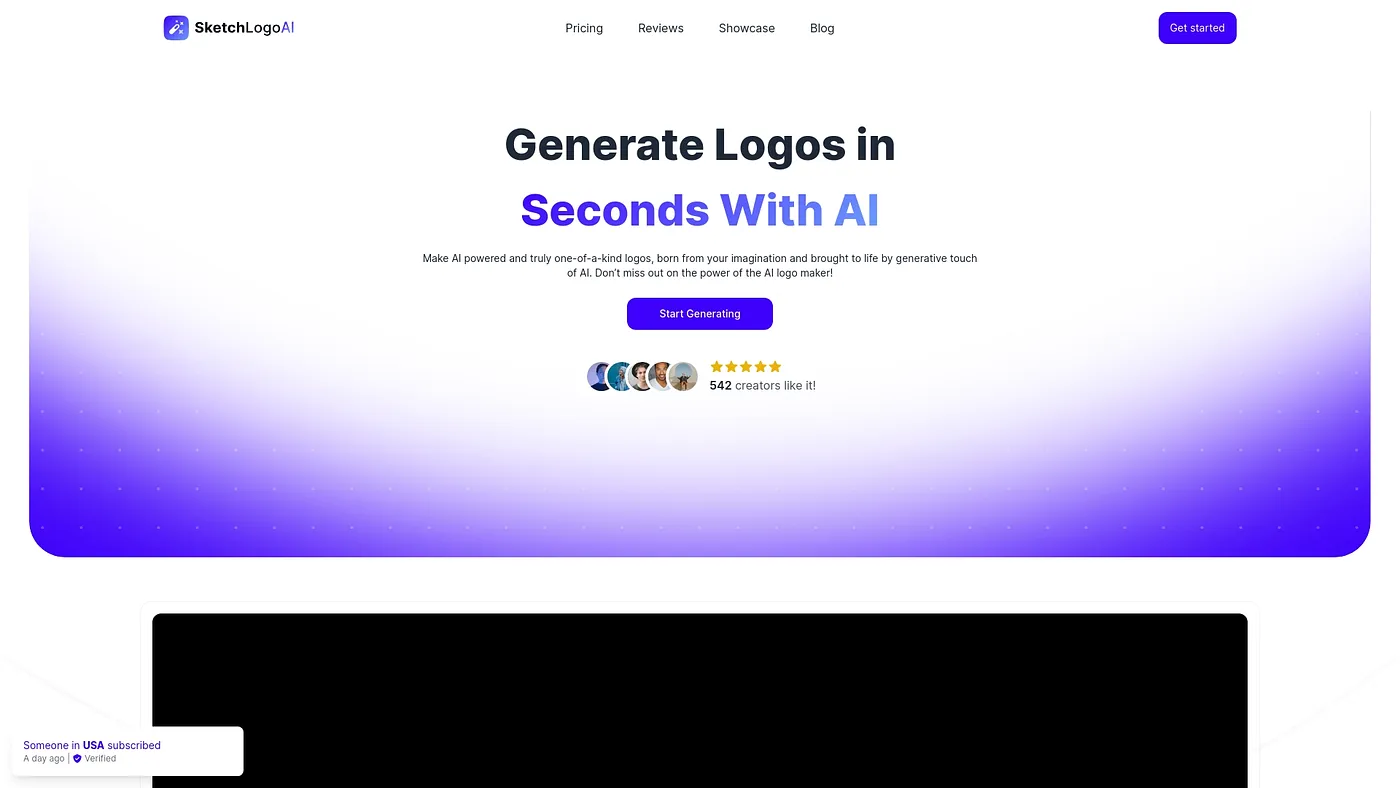
SketchLogo uses AI to generate logo designs based on sketches, producing initial ideas in seconds. It offers diverse styles such as vintage, modern and abstract, and can generate 3D illustrations from 2D designs. The reviewer says it excels at generating simple logos quickly.
Is SketchLogo free?
SketchLogo offers a free plan with limited features. Paid options are Basic at $9, a monthly plan that includes AI design generation, and Pro at $30, an annual plan with more advanced features.
Who is SketchLogo for?
SketchLogo is best for quick logo ideas, casual users and beginners. It is not for complex logo redesigners, and the reviewer says advanced designers might struggle because it falls short on detailed designs. Alex scored it 4.0 out of 5 after real use.
Can you edit text in SketchLogo?
No. SketchLogo cannot directly edit text within the logo design process. The reviewer also notes it does not handle detailed or precise drawings well and cannot efficiently redesign complex logos from scratch.
What are some alternatives to SketchLogo?
Toolio lists Anylogo AI, Landing AI, Sketch Logo AI and Redesign With AI as alternatives to SketchLogo. Sketch Logo AI generates unique logos by sketching, Anylogo AI produces professional logos quickly but not complex designs, and Landing AI is described as best for non-IT founders and solo entrepreneurs.