
Slides AI
Suits educators and professionals, not complex design needs.
At a glance
3.8 out of 5
Scored by Alex after real useOur verdict
SlidesAI helps quickly turn notes into presentations but isn’t ideal for complex designs or animations.
✓What it does well
✕Where it falls short
Key features
Questions about Slides AI
What does Slides AI do?
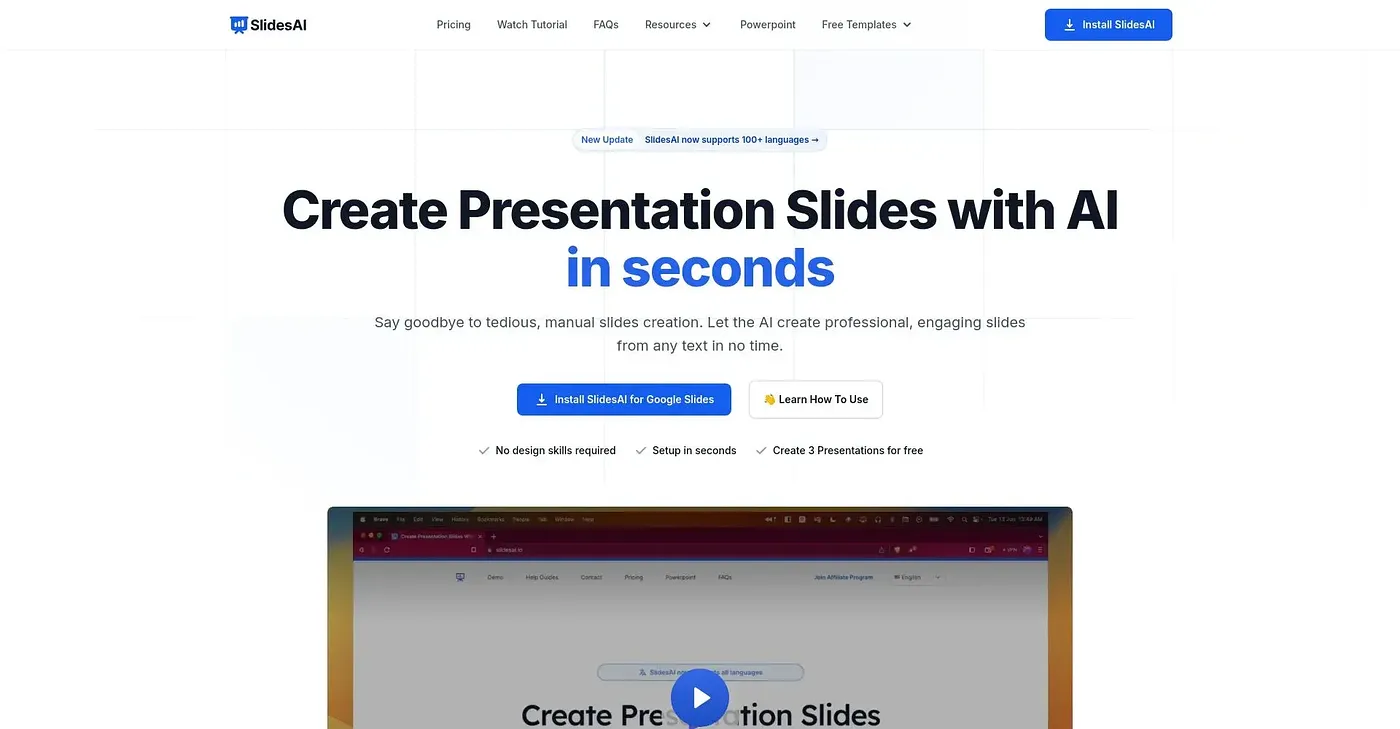
Slides AI turns notes and pasted content into presentations quickly. It automatically creates slides from input content and lets users write in one language and present in another. The vendor says it works in Google Slides, PowerPoint, ChatGPT and a web app.
How much does Slides AI cost?
The Slides AI Pro plan costs $10 per month and includes 120 presentations a year, 6000 characters of input per presentation and 600 AI credits a year. The Premium plan costs $20.83 per month with unlimited presentations, 12000 characters per presentation and 1200 AI credits a year.
Can Slides AI add animations?
No. Slides AI cannot add complex animations like fades or zooms directly, and it does not offer advanced design options for custom layouts. Toolio says it does not suit designers with custom layout needs.
How does Toolio score Slides AI?
Toolio scores Slides AI 3.8 out of 5, rated by Alex after real use on 5 Oct 2026. The reviewer recommends it for educators and professionals, but notes that output quality depends heavily on the input content being well structured.
What are some alternatives to Slides AI?
Toolio lists Godmode, Dorik AI, Docamine and Earlybird as alternatives to Slides AI. Dorik AI generates websites quickly with AI, while Godmode is an AI agent with over a million users that is not free.