
Sora Image to Video Artin
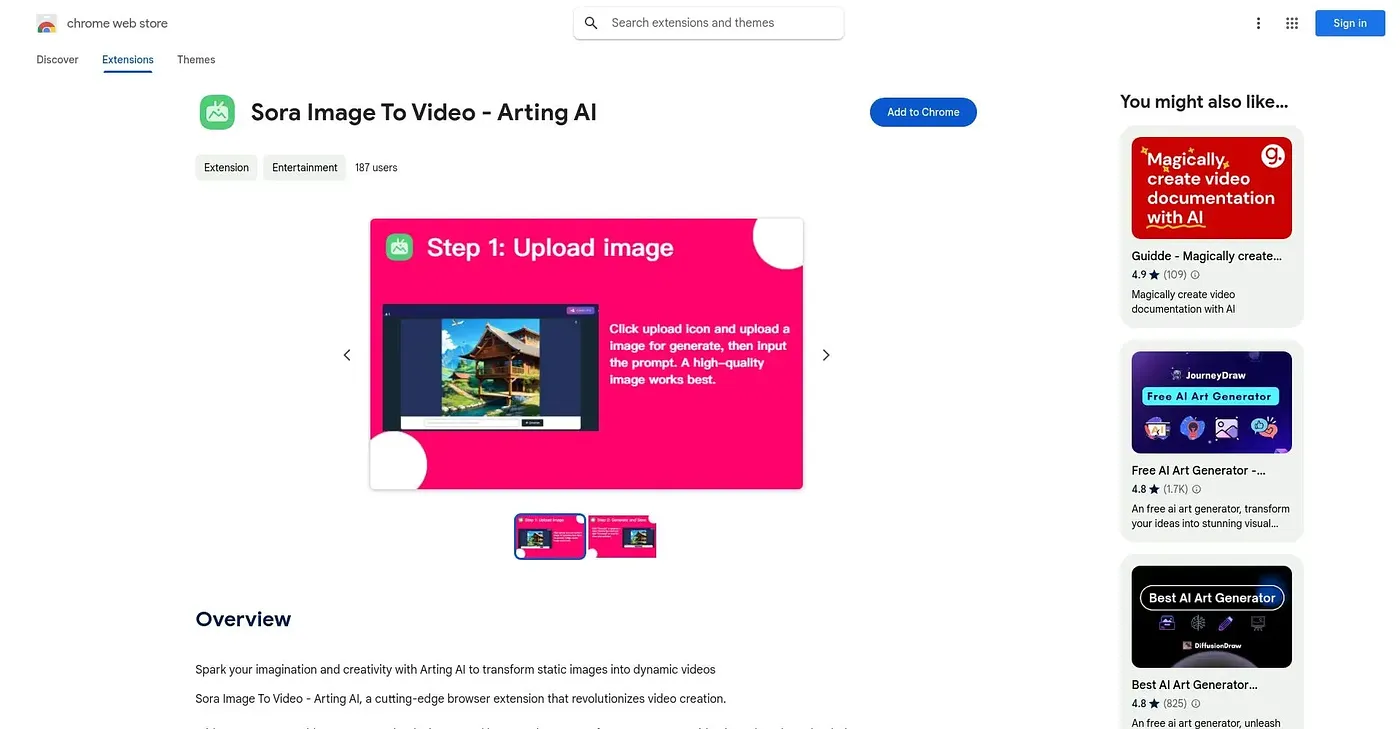
Uploads a single image and a prompt to generate a video, in one of 55 languages.
At a glance
3.9 out of 5
Scored by Alex after real useOur verdict
This extension takes one uploaded image plus a text prompt and generates a video from it, with results viewable and downloadable directly in the browser. The interface covers 55 languages, which is unusually wide for a small extension with no ratings yet. It only works from a single starting image, so anyone wanting multi-shot or long-form video generation needs a different tool.
✓What it does well
✕Where it falls short
Key features
Questions about Sora Image to Video Artin
What does Sora Image to Video Artin do?
Sora Image to Video Artin is a Chrome extension that turns a single uploaded image and a text prompt into a generated video. The result can be viewed and downloaded directly in the browser, and the interface is available in 55 languages.
Is Sora Image to Video Artin free?
Yes. Sora Image to Video Artin is free, and no paid plan was found on the Chrome Web Store in September 2026. Toolio lists its price as $0, and it runs as an extension in Chrome.
Can Sora Image to Video Artin make videos from several images?
No. It accepts only one starting image per video, not multiple frames. According to the reviewer, anyone who needs multi-shot, multi-image or long-form video generation is better served by a different tool.
What are the drawbacks of Sora Image to Video Artin?
The reviewer flags two points of caution. The extension has no ratings on record, so its output quality is unverified, and it comes from an unverified individual developer with no company details listed. Alex still scored it 3.9 out of 5 after real use.
What are some alternatives to Sora Image to Video Artin?
Toolio lists AI Cut, Videogen Chrome Extension, Genmo AI and Video to Prompt as alternatives. Videogen Chrome Extension turns selected web text into a captioned video, while Genmo AI generates videos using open-source models.