
Videogen Chrome Extension
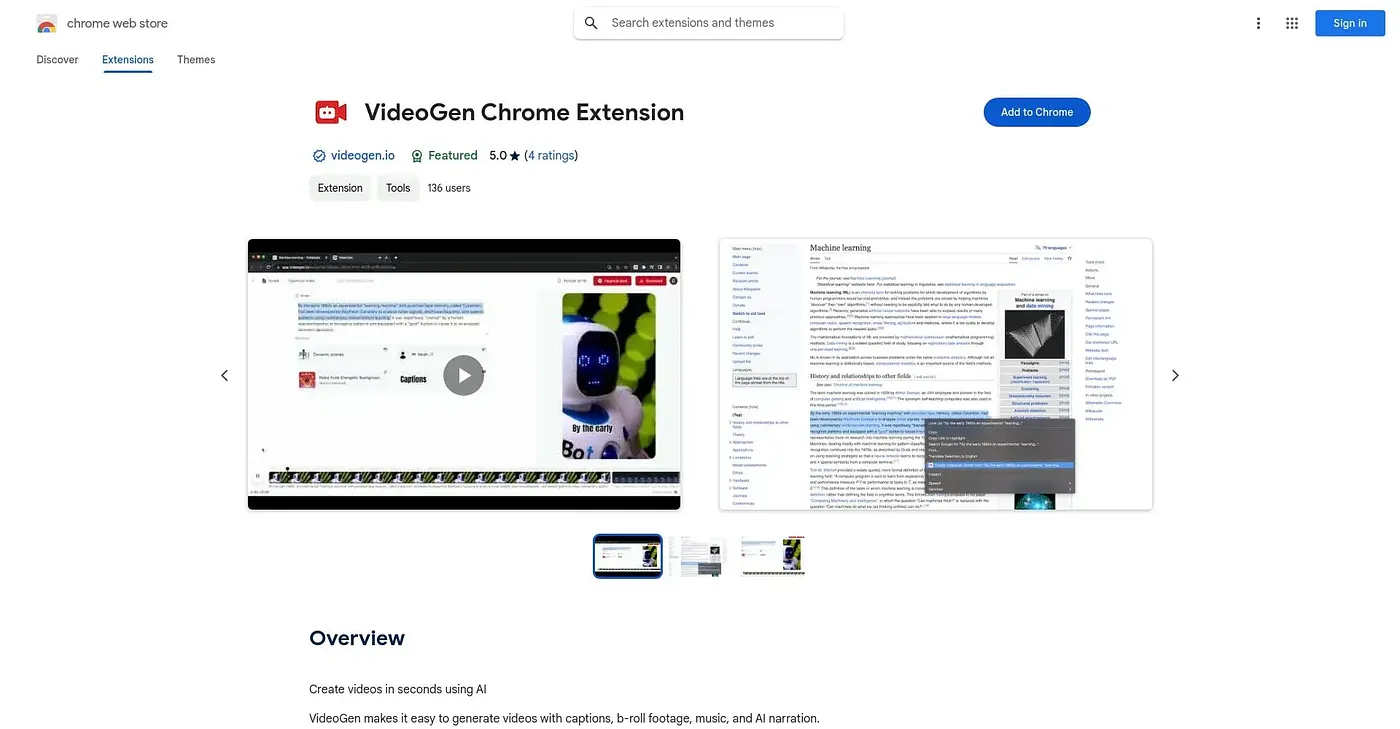
Turns any selected web text into a captioned video with b-roll, music, and AI narration.
At a glance
5.0 out of 5
Scored by Alex after real useOur verdict
VideoGen turns selected web text into a video complete with captions, b-roll footage, background music, and AI narration in just a few clicks. It's built for creators who want to repurpose articles or written content into video without touching a timeline editor. Everything runs through automated generation rather than manual editing, it starts from text rather than existing footage, and the rating history so far is limited to a handful of reviews.
✓What it does well
✕Where it falls short
Key features
Questions about Videogen Chrome Extension
What does Videogen Chrome Extension do?
Videogen Chrome Extension turns any selected web text into a video in a few clicks. It adds captions, b-roll footage, background music and AI narration automatically, so creators can repurpose articles or other written content into video without using a timeline editor.
Is Videogen Chrome Extension free?
Videogen Chrome Extension is free, with a Free plan priced at $0. Toolio found no paid plan on the Chrome Web Store in September 2026. It runs in Chrome and is aimed at content creators repurposing articles into short videos.
Can you edit videos manually in Videogen Chrome Extension?
No. Videogen Chrome Extension relies on automated generation rather than manual timeline editing or frame control, so Toolio lists it as not for users who want frame-by-frame editing. It also starts only from selected text and cannot turn existing footage into a new edit.
How does Toolio rate Videogen Chrome Extension?
Videogen Chrome Extension scores 5.0 out of 5 on Toolio, scored by Alex after real use on 4 Oct 2026. Its listed strengths are quick text-to-video conversion, automatic b-roll and music, and AI narration. The reviewer cautions that only 4 ratings are on record, a thin sample for judging consistency.
What are some alternatives to Videogen Chrome Extension?
Toolio lists Faceless Video, which suits brands needing daily content, and Kinetix AI Emote Creator, which generates lifelike animations, as alternatives to Videogen Chrome Extension. Stable Video Diffusion also appears among the listed alternatives.