Subtitle Bee
Automatically add subtitles to video.
At a glance
4.2 out of 5
Scored by Alex after real useOur verdict
SubtitleBee uses AI for accurate and instant subtitle generation. It excels in automated captioning but can be costly for large volumes of videos.
✓What it does well
✕Where it falls short
Key features
Questions about Subtitle Bee
What does Subtitle Bee do?
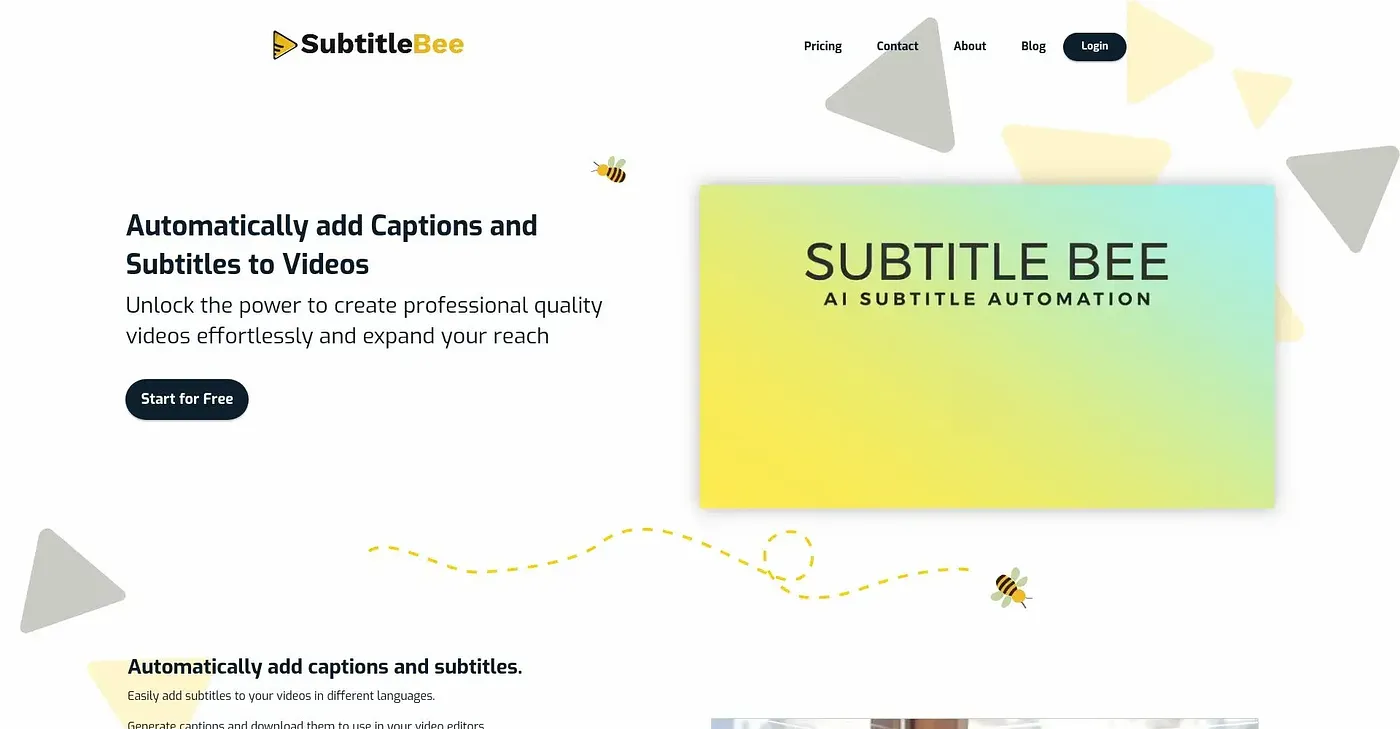
Subtitle Bee is a web tool that uses AI to add subtitles to videos automatically. It offers 95% accuracy from AI-generated subtitles and translates them into over 120 languages. Users can customize fonts, colors and styles, add personalized messages with Supertitles, and crop or resize videos.
Is Subtitle Bee free?
Subtitle Bee has a Free Plan at $0 that includes lifetime uploads and auto-subtitles for up to 240 minutes per month with no watermark on exports. Paid options are the Starter Plan at $19 per month and the Popular Plan at $49 per month, both billed monthly.
Does Subtitle Bee have a mobile app?
No. The reviewer notes that Subtitle Bee currently offers no support for mobile devices, and it runs on the web only. Storage on the free plan is also limited, and usage beyond the minutes included each month is charged as extra credits.
Who is Subtitle Bee best for?
Toolio recommends Subtitle Bee for content creators and individual producers. Video editors with extensive storage needs should look elsewhere, and the reviewer adds that it can get costly for large volumes of videos because extra minutes are charged in credits.
How does Toolio score Subtitle Bee?
Alex scored Subtitle Bee 4.2 out of 5 on 5 Oct 2026 after real use, praising its accurate, instant subtitle generation. The reviewer singles out automated captioning as its strongest area. Toolio lists Firecut AI, AnvSoft and Anyclip as alternatives.