
Supademo AI Interactive Demos Chrome Extension
Records your clicks through a product and turns them into a shareable interactive demo.
At a glance
4.8 out of 5
Scored by Alex after real useOur verdict
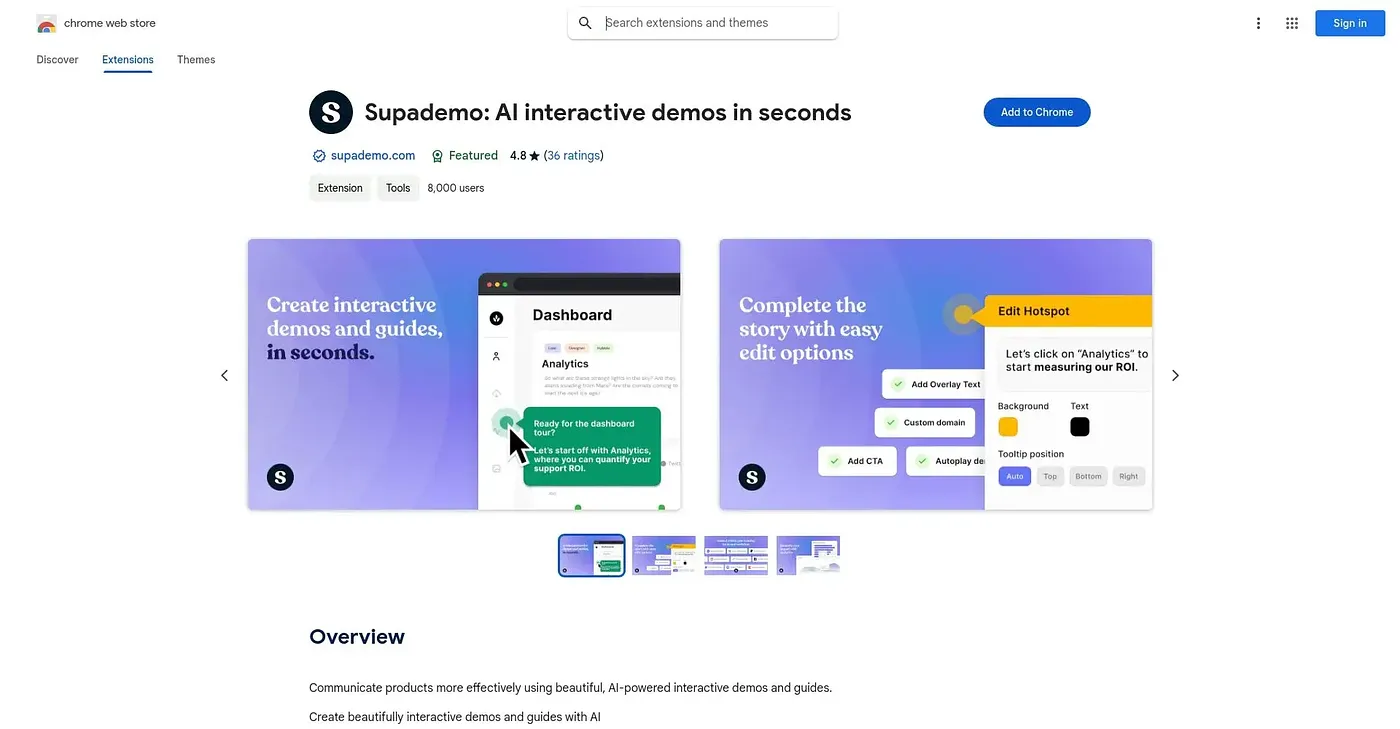
Supademo turns a simple click-through of your own product into an editable interactive demo, complete with chapters, hotspots, variables and branching paths, then exports it as HTML, video or screenshots. Sales teams, support docs and internal SOPs all get the same underlying tool, aimed at replacing a live walkthrough with something reusable and trackable. A recorded demo can drift out of date the moment the underlying product changes, so upkeep depends on someone remembering to re-record it.
✓What it does well
✕Where it falls short
Key features
Questions about Supademo AI Interactive Demos Chrome Extension
What does the Supademo AI Interactive Demos Chrome Extension do?
The extension records clicks through a product and turns them into an editable, shareable interactive demo. Demos can include chapters, hotspots, variables and branching paths, and they export as HTML, video or screenshots. The reviewer says it aims to replace a live walkthrough with something reusable and trackable.
Is the Supademo AI Interactive Demos Chrome Extension free?
Yes. Toolio lists the extension as free with a free tier, and no paid plan was found on the Chrome Web Store in September 2026. It runs in Chrome and has been listed on Toolio since September 2024.
How do you share demos made with the Supademo AI Interactive Demos Chrome Extension?
Demos made with the extension can be shared as a trackable link or embedded directly into websites and knowledge bases. They can also be exported as HTML, screenshots or video, which lets sales teams, support docs and internal SOPs reuse the same recorded walkthrough.
What are the drawbacks of the Supademo AI Interactive Demos Chrome Extension?
The reviewer notes that a recorded demo can go stale as soon as the underlying product changes, so someone has to remember to re-record it. It also replaces a live walkthrough rather than offering real-time interaction, and getting branching and variables right takes some setup beyond a basic recording.
How does Toolio score the Supademo AI Interactive Demos Chrome Extension?
The extension holds a Toolio score of 4.8 out of 5, given by Alex after real use on 3 Oct 2026. Toolio lists it as best for sales and onboarding teams building product walkthroughs and not for anyone wanting a live, unscripted demo instead.