
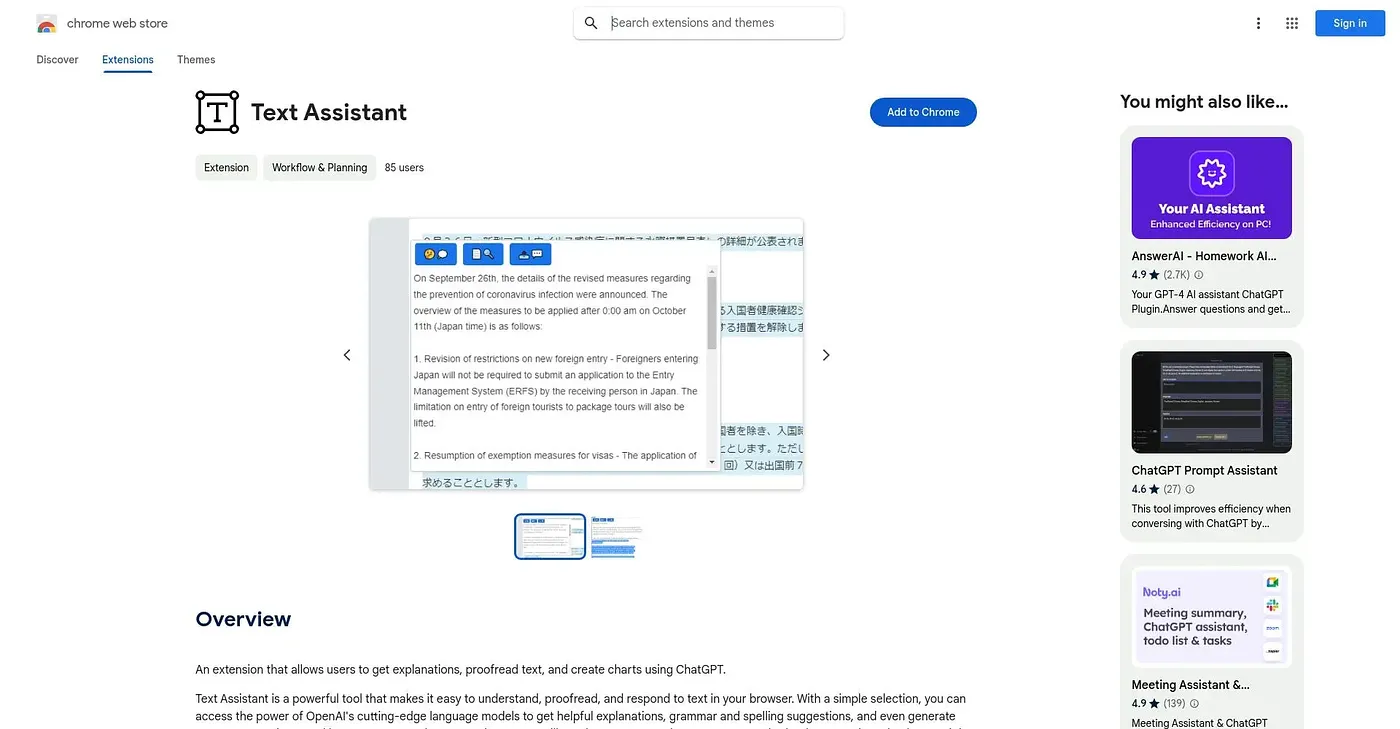
Text Assistant - Chrome Extension
Explains, proofreads or turns selected text into a chart using your own OpenAI key.
At a glance
Starts at
Free
No paid plan found on the Chrome Web Store, September 2026.
Free tier
Yes
Platforms
Chrome, API
Best for
People wanting quick explanations or charts from web text
Not for
Anyone without their own OpenAI API key
3.9 out of 5
Scored by Alex after real useOur verdict
Text Assistant works on whatever you select in the browser: get an explanation, run a grammar and spelling check, or turn the text into a chart, all using OpenAI's models behind the scenes. It's a simple, single-purpose utility rather than a full writing suite, aimed at quick one-off requests. Nothing runs until you enter your own OpenAI API key in the settings, and with no ratings yet its reliability is untested.
✓What it does well
Selection-based explanationsExplains any text you select directly in the browser.
Grammar and spelling checksProofreads selected text for grammar and spelling issues.
Text-to-chart generationTurns selected text into a generated chart.
✕Where it falls short
Bring your own API keyIt only works after you enter your own OpenAI API key.
No ratings yetThere are no ratings on record, so reliability is unproven.
Minimal feature setIt offers a basic, fixed set of actions rather than open-ended chat.
Key features
Text explanationGenerates an explanation of any selected text.
ProofreadingChecks selected text for grammar and spelling errors.
Chart generationCreates a chart from selected text content.
Bring-your-own API keyRuns on your own OpenAI API key rather than a shared service.