
Textcraft AI Assistant
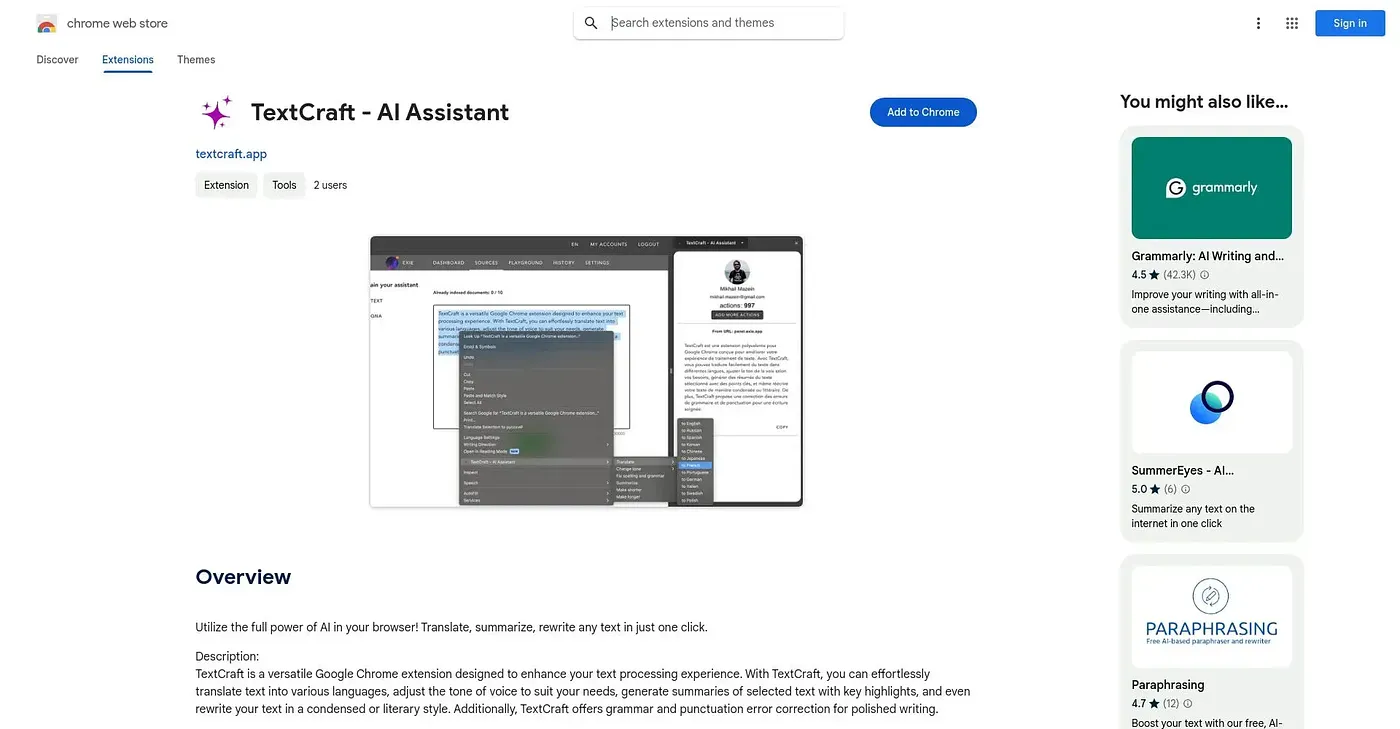
Translates, summarizes or rewrites selected text in a literary or condensed style from the right-click menu.
At a glance
Starts at
Free
No paid plan found on the Chrome Web Store, September 2026.
Free tier
Yes
Platforms
Chrome
Best for
Writers wanting quick tone and style adjustments
Not for
Anyone wanting every feature free forever
3.9 out of 5
Scored by Alex after real useOur verdict
TextCraft works from the right-click menu on selected text: translate it, summarize it with key highlights, rewrite it in a condensed or literary style, adjust its tone, or fix grammar and punctuation. It's built for anyone who wants several text-editing actions without switching between separate tools. In-app purchases sit on top of the free extension, and with no ratings yet, how well it holds up against dedicated grammar or translation tools is unverified.
✓What it does well
Multiple text actions in one toolTranslates, summarizes, rewrites and corrects text from one menu.
Tone adjustmentAdjusts the tone of voice of selected text to match your needs.
Style-based rewritingRewrites text in a condensed or literary style on request.
✕Where it falls short
In-app purchasesSome features require in-app purchases beyond the free extension.
No ratings yetThere are no ratings on record, so output quality is unverified.
Overlaps with dedicated toolsEach individual feature only goes as deep as a general text tool, not a dedicated translation or grammar app.
Key features
Text translationTranslates selected text into multiple languages.
Text summarizationSummarizes selected text with key highlights.
Style-based rewritingRewrites text in a condensed or literary style.
Grammar correctionCorrects grammar and punctuation errors in selected text.