
VidBump
Turn text into cinematic clips, animate photos — no editing skills needed. But lacks advanced video stabilization.
At a glance
4.5 out of 5
Scored by Alex after real useOur verdict
VidBump excels at quick AI-generated videos and images but falls short on complex animations.
✓What it does well
✕Where it falls short
Key features
Questions about VidBump
What does VidBump do?
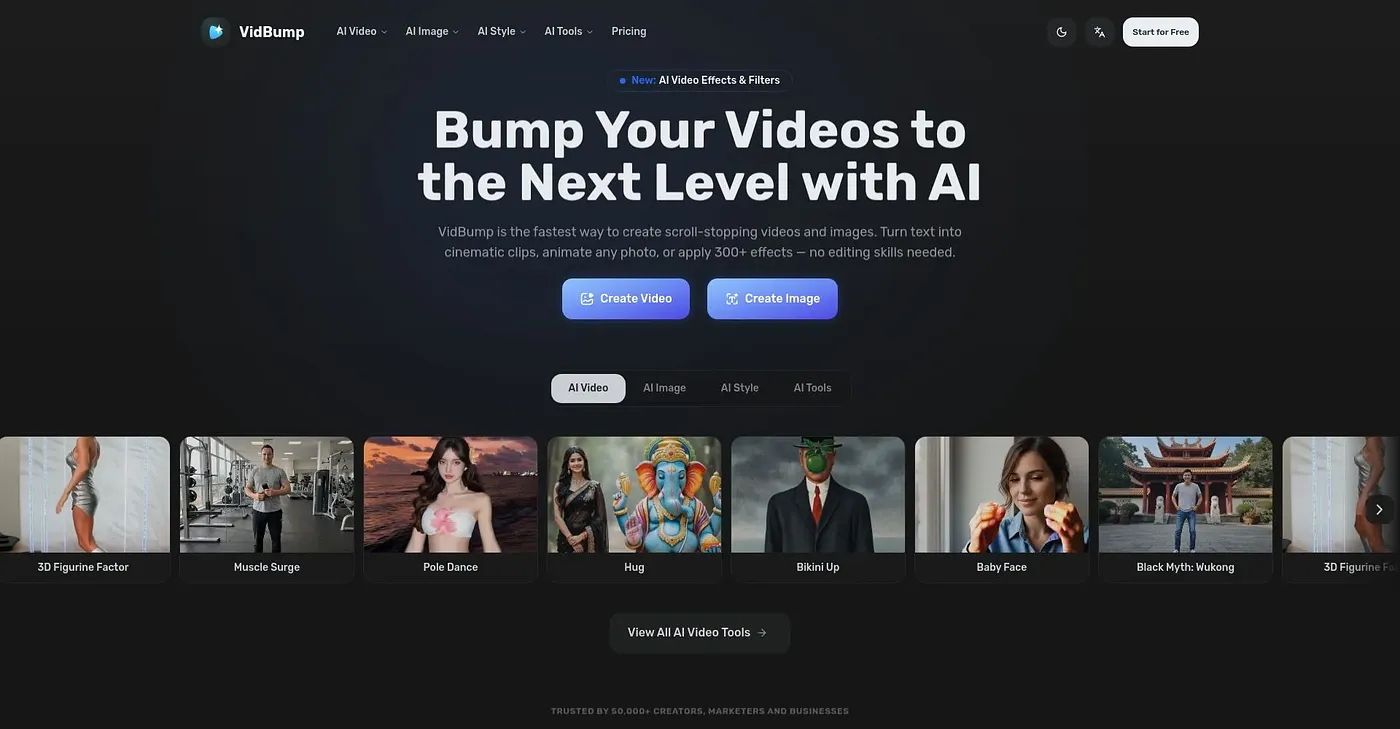
VidBump generates videos from text prompts or photos, turning text into cinematic clips and animating any photo into a polished video clip. It also applies over 300 AI styles and effects to photos and videos, and the vendor says no editing skills are needed to create professional-looking content.
Is VidBump free?
VidBump has a limited free tier at $0, with limitations and ads that the reviewer says suit basic needs only. Paid plans start from $19 per month, and credits beyond the free plan cost extra, which can add up.
What can't VidBump do?
The reviewer notes that VidBump does not offer advanced video stabilization or complex animations, so advanced video editors are listed under Not for. It is aimed instead at marketers and content creators who want quick AI-generated videos and images.
How does Toolio rate VidBump?
Alex scored VidBump 4.5 out of 5 after real use, on 5 Oct 2026. The reviewer finds it strong for quick AI-generated videos and images with a wide choice of styles, but marks it down for missing advanced features, extra credit costs and free plan limits.
What are some alternatives to VidBump?
Toolio lists Face Swapper Online for swapping faces in photos and videos and BestFaceSwap.ai for changing faces in videos and photos. AI Ease, which creates videos and images, and Remove Handwriting, which works best on simple documents, are also listed.