
Vizcom.ai
Limited free version available.
At a glance
4.0 out of 5
Scored by Alex after real useOur verdict
Vizcom turns sketches into photorealistic renders quickly. Best for small teams and individuals but lacks advanced features in paid tiers.
✓What it does well
✕Where it falls short
Key features
Questions about Vizcom.ai
What does Vizcom.ai do?
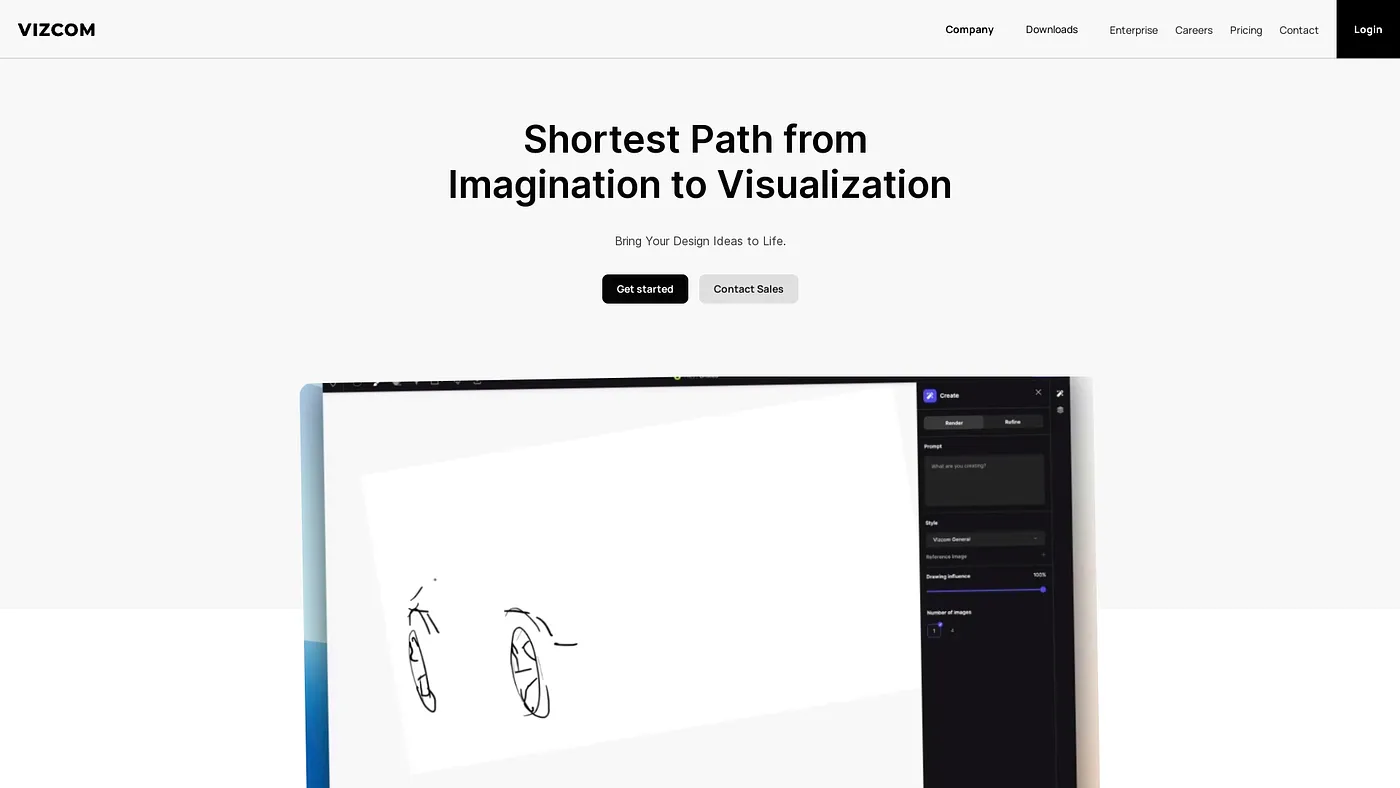
Vizcom.ai turns sketches into photorealistic renders quickly, so designers can iterate and explore design variations instantly. It generates colors, forms and animations from natural language prompts and uses a simple drag-and-drop interface. It runs on the web.
Is Vizcom.ai free?
Yes, in a limited way. The Starter plan costs $0 per user/month and includes 800 credits and basic AI creation tools. Free users can view unlimited files only as read-only and cannot manage teams, assign roles or handle billing.
How much is Vizcom.ai Professional?
Vizcom.ai Professional costs $49 per user/month and includes 20,000 credits with advanced tools. Paid plans also unlock HD, 2K and 4K exports. Credits are usage-based and measure every action across the platform, and the reviewer notes that advanced tools and faster render speeds require the pricier Professional plan.
Who is Vizcom.ai for?
Vizcom.ai is best for small design teams and freelancers. The reviewer says it suits small teams and individuals, while Toolio lists freelancers with complex team needs as a poor fit. Alex scored it 4.0 out of 5 after real use on 4 Oct 2026.
What alternatives to Vizcom.ai does Toolio list?
Toolio lists Rerun, Ecorithms, Team-GPT and Layer Up as alternatives to Vizcom.ai. Rerun suits physical AI teams, Ecorithms detects compliance violations, Team-GPT automates marketing tasks for teams, and Layer Up deploys AI agents that automate critical workflows inside existing systems.