
Watermark Remover
Remove watermarks online for free.
At a glance
3.9 out of 5
Scored by Alex after real useOur verdict
Easily remove watermarks and enhance images but skip for commercial distribution without permission.
✓What it does well
✕Where it falls short
Key features
Questions about Watermark Remover
What does Watermark Remover do?
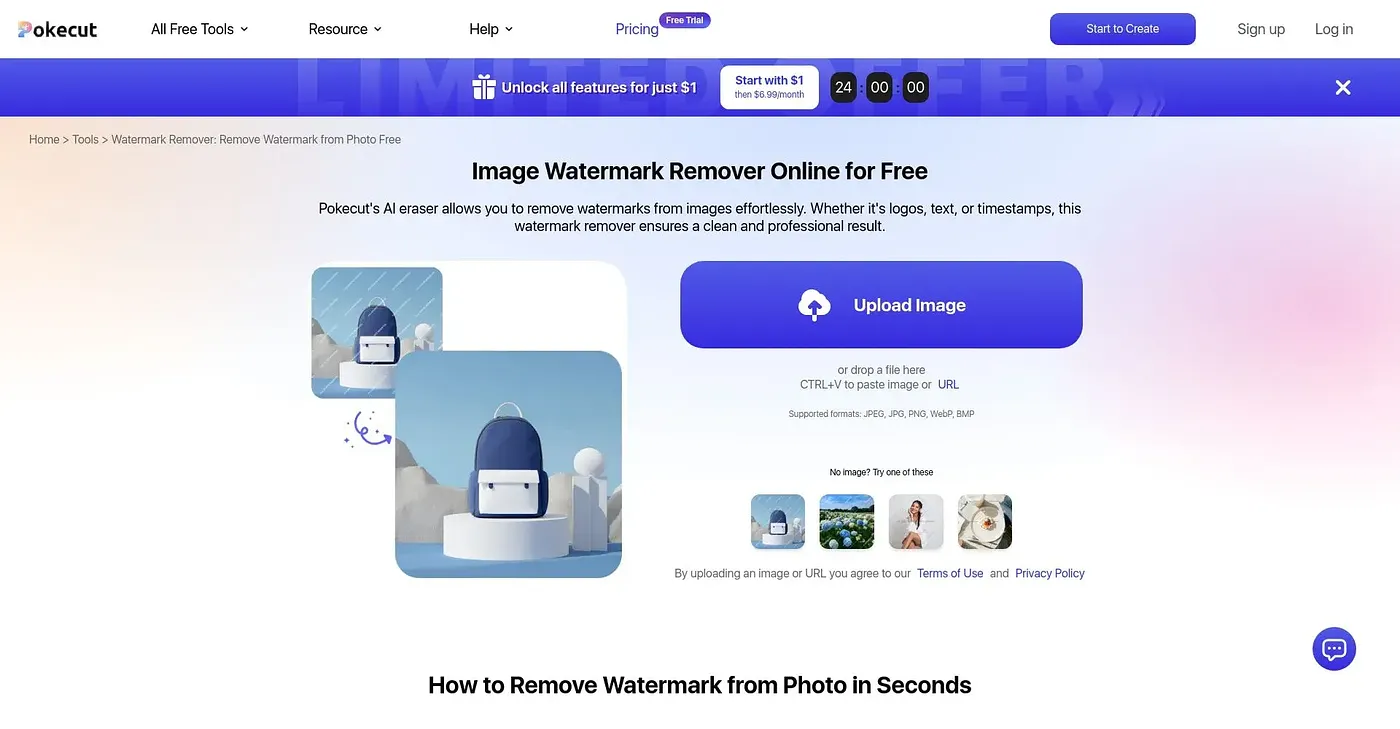
Watermark Remover is an online tool that uses AI to detect and remove watermarks, including logos and text overlays. It reconstructs background textures for a natural look and can boost photo quality for sharper, clearer results. The reviewer says it is meant for personal edits and authorized sharing.
Is Watermark Remover free?
Watermark Remover is free, and no paid plan is listed. The free plan has limited features, and a credit system allows more editing. Alex scores the tool 3.9 out of 5 after real use and praises its simple interface.
Can Watermark Remover process images in bulk?
No. Watermark Remover does not support bulk processing of multiple images at once, so Toolio lists businesses needing batch processing as a poor fit. It is better suited to personal edits and authorized sharing.
Can Watermark Remover be used for commercial images?
The reviewer advises skipping Watermark Remover for commercial distribution without permission, and its free plan is available for personal and authorized edits only. Removal is not guaranteed either, since it works better on some watermark types than others and may sometimes leave remnants.
What alternatives to Watermark Remover does Toolio list?
Toolio's alternatives to Watermark Remover include Image to Image AI, Vidu Studio and Ideatum. Image to Image AI transforms photos into new visuals, Vidu Studio connects to over 500 AI tools, and Ideatum generates a color palette, font pairing and style guide from a single prompt.