
Wave App AI
Record, transcribe, and summarize automatically.
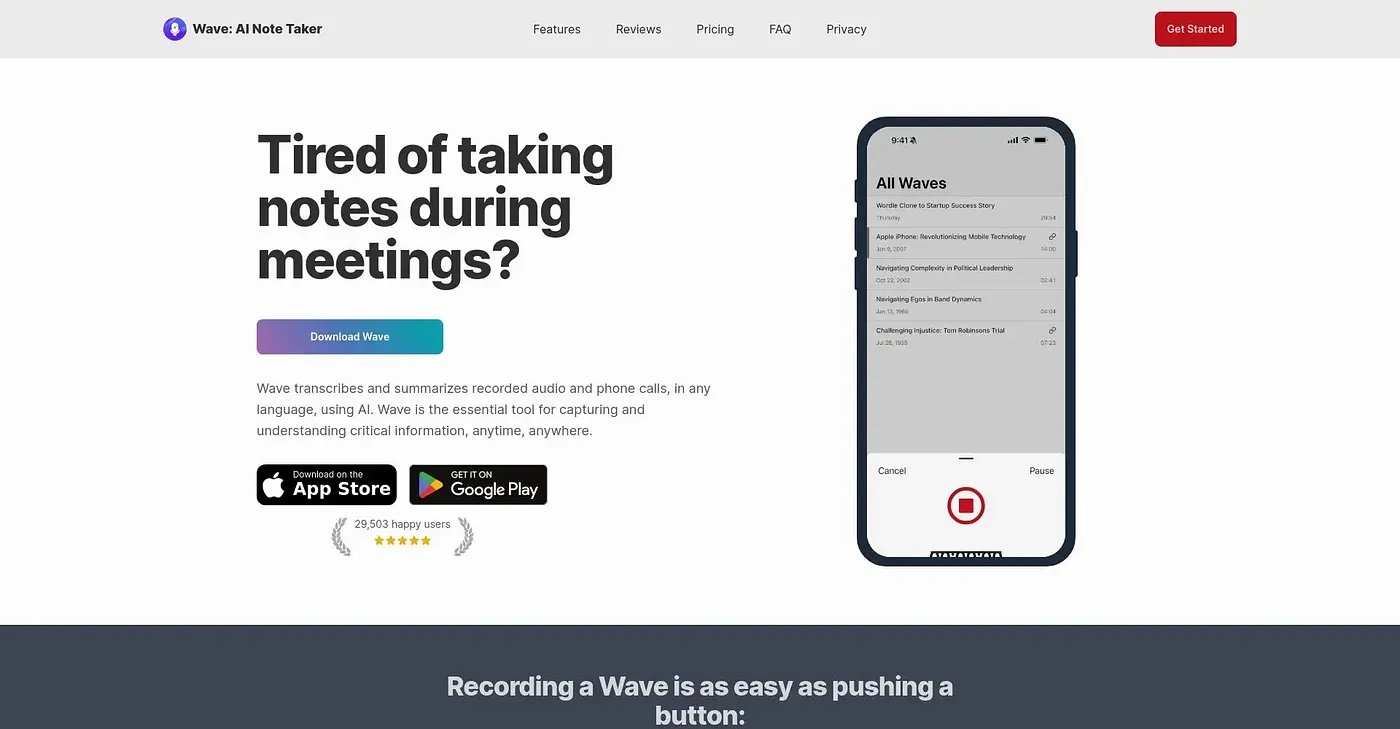
At a glance
4.1 out of 5
Scored by Alex after real useOur verdict
Wave is great for automatic recording but misses manual note-taking details sometimes.
✓What it does well
✕Where it falls short
Key features
Questions about Wave App AI
What does Wave App AI do?
Wave App AI records, transcribes and summarizes meetings, calls and lectures automatically. Its AI summaries make sessions easy to review and share, and transcriptions and summaries can be exported to PDF. The reviewer says it is great for automatic recording but sometimes misses manual note-taking details.
What devices does Wave App AI support?
Wave App AI runs on iOS, Android, the web, Mac, Windows, Chromebook and Apple Watch. The reviewer also mentions Wear OS and lists this cross-device compatibility among the tool's main strengths.
How much does Wave App AI cost?
Wave App AI has a limited free tier and can be tried free before upgrading. The Pro plan starts at $11.67 per month and includes unlimited recording, transcription and summaries on all devices. The Teams plan costs $7.50 per user, per month, with a minimum of five users.
What are the downsides of Wave App AI?
Wave App AI does not support extensive manual note-taking, and it lacks custom templates or pre-defined meeting structures. The reviewer also points to higher costs for teams, since the Teams plan needs a minimum of five users. Toolio lists people who take extensive manual notes as a poor fit.
Does Wave App AI work for teams?
Wave App AI offers a Teams plan with centralized billing, so a team can manage payment in one place. Toolio names professional teams and individuals as its best fit, and Alex scores it 4.1 out of 5 after real use.