
Xinva AI
Not suitable for advanced designers seeking custom prompts.
At a glance
Starts at
From $19 per month
Includes unlimited credits for version 2, commercial use, AI background removal, prompt idea generator, weekly prompts newsletter. No extra ads or limits.
Free tier
Yes, limited
Platforms
Web
Best for
New creators, small businesses
Not for
Advanced color adjustments
4.0 out of 5
Scored by Alex after real useOur verdict
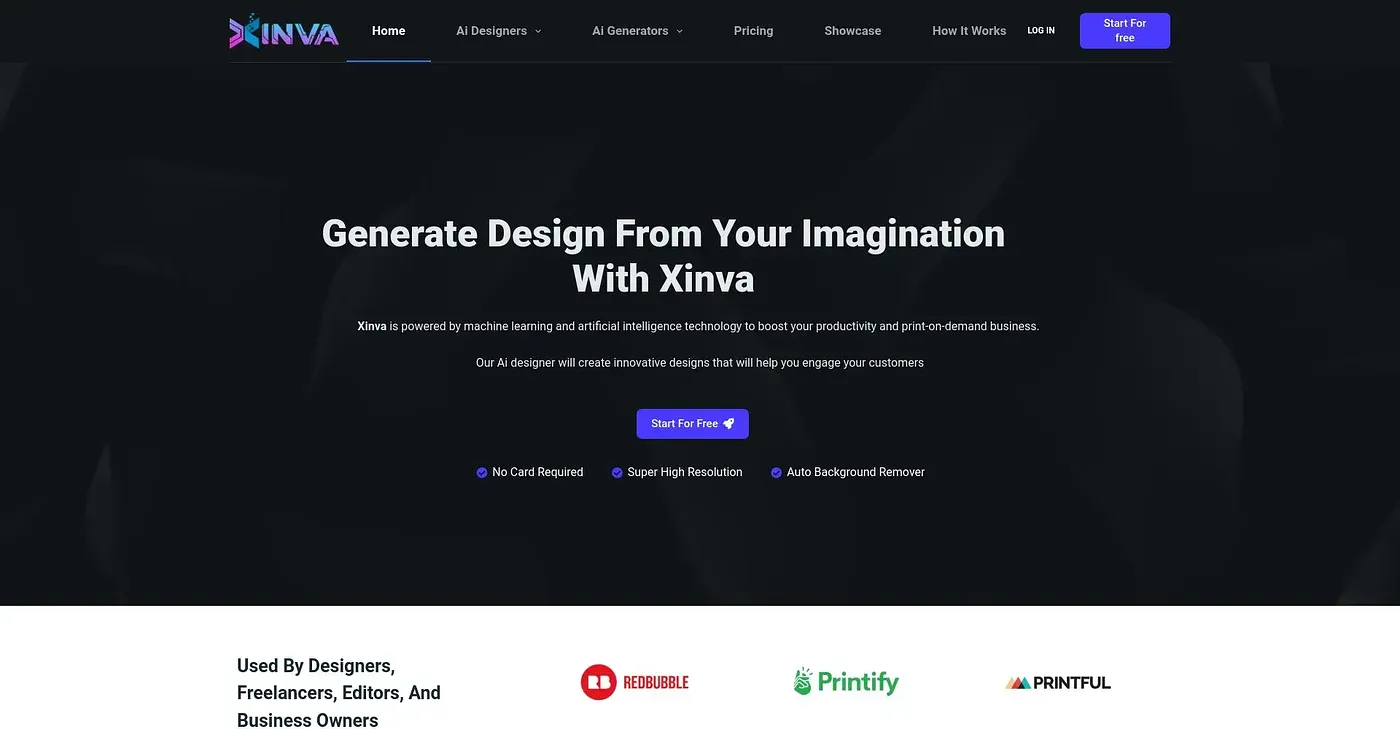
Xinva AI boosts productivity with automatic designs but falls short on complex projects. Best suited for beginners and those who need quick ideas without detailed input.
✓What it does well
Auto Design GenerationCreates visual concepts directly from your imagination using AI technology.
Prompt BoxAllows users to input ideas and get custom design outputs immediately.
Background RemovalAutomatically removes backgrounds for use in various designs easily.
✕Where it falls short
Limited Customization OptionsDoes not offer advanced customization settings like color adjustments or detailed editing tools.
Version DependencyDependent on AI version updates, which can affect design quality and functionality.
Free Tier LimitationsOnly provides basic features and limited credits per month for free users.
Key features
AI Design GeneratorUses AI to generate designs based on user prompts.
Credit SystemPricing is based on a credit system, with different plans offering varying amounts of credits.
Free Plan AvailableOffers a free plan that includes basic features and limited monthly credits.
Prompt IdeasProvides weekly researched prompt suggestions