
ChromeAI Chrome Extension
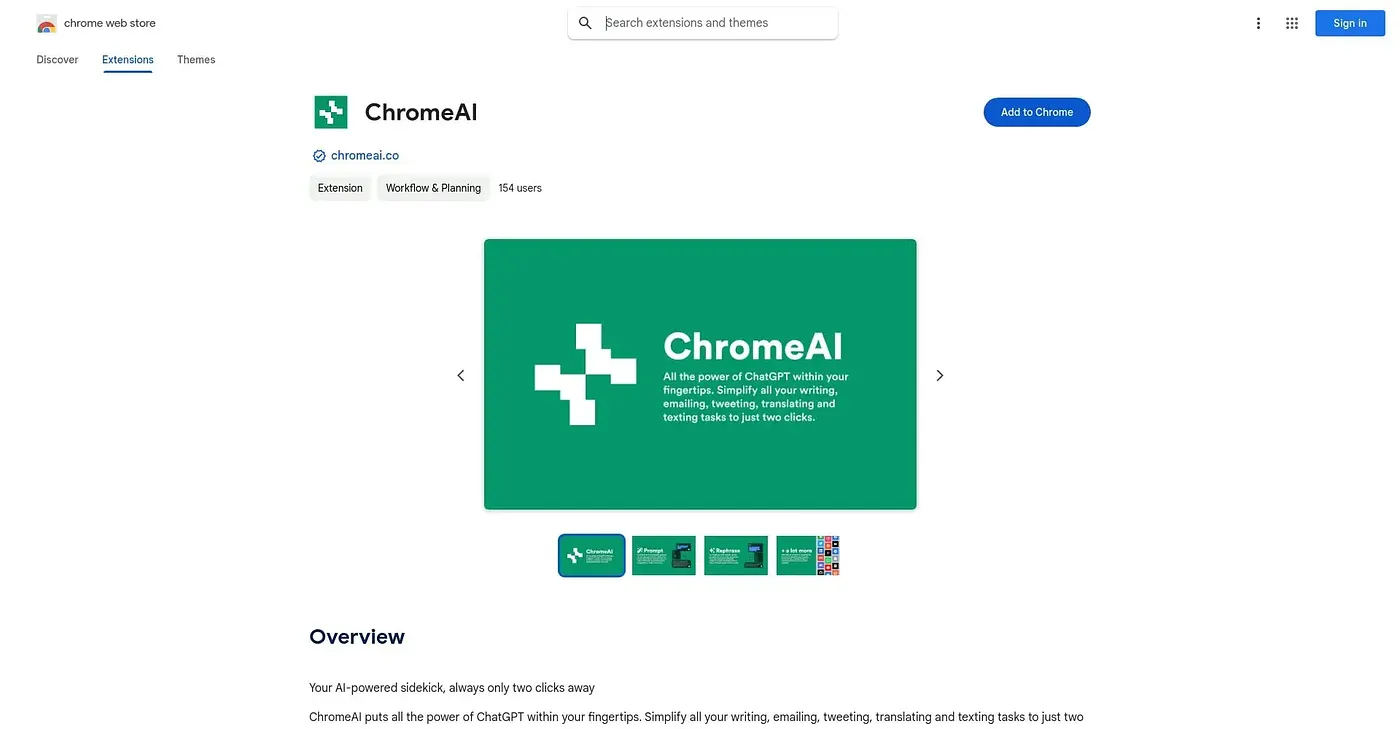
Right-click any selected text to generate, paraphrase, proofread or answer questions with ChatGPT in two clicks.
At a glance
Starts at
Free
No paid plan found on the Chrome Web Store, September 2026.
Free tier
Yes
Platforms
Chrome
Best for
Quick writers wanting a right-click AI shortcut everywhere
Not for
Anyone wanting a mature, fully tested tool
3.9 out of 5
Scored by Alex after real useOur verdict
ChromeAI adds four right-click AI modes - prompt generation, paraphrasing, proofreading and quick Q&A - copying each result so you can paste it anywhere. An account on chromeai.co is required before you can use any of it. It's an early open beta built in under a week, with translation and code modes still listed as coming soon rather than available now.
✓What it does well
Four AI modesOffers prompt, paraphrase, proofread and question modes in one tool.
Universal text selectionWorks on selected text across any website.
Auto-copy convenienceCopies the AI response automatically so you can paste it anywhere.
✕Where it falls short
Account requiredRequires creating a chromeai.co account before first use.
Very early betaWas built in under a week and remains an open beta, not a finished product.
Missing featuresLacks translation and code modes, both still listed as coming soon.
Key features
Prompt AIGenerates text of any length from a simple prompt.
Paraphrase AIRewrites any selected text in seconds.
Proofread AICorrects spelling and grammar in selected text.
Question AIAnswers general knowledge questions on demand.