
Clever Charts AI
Identifies inaccurate web traffic and helps secure data. But can be slow to implement.
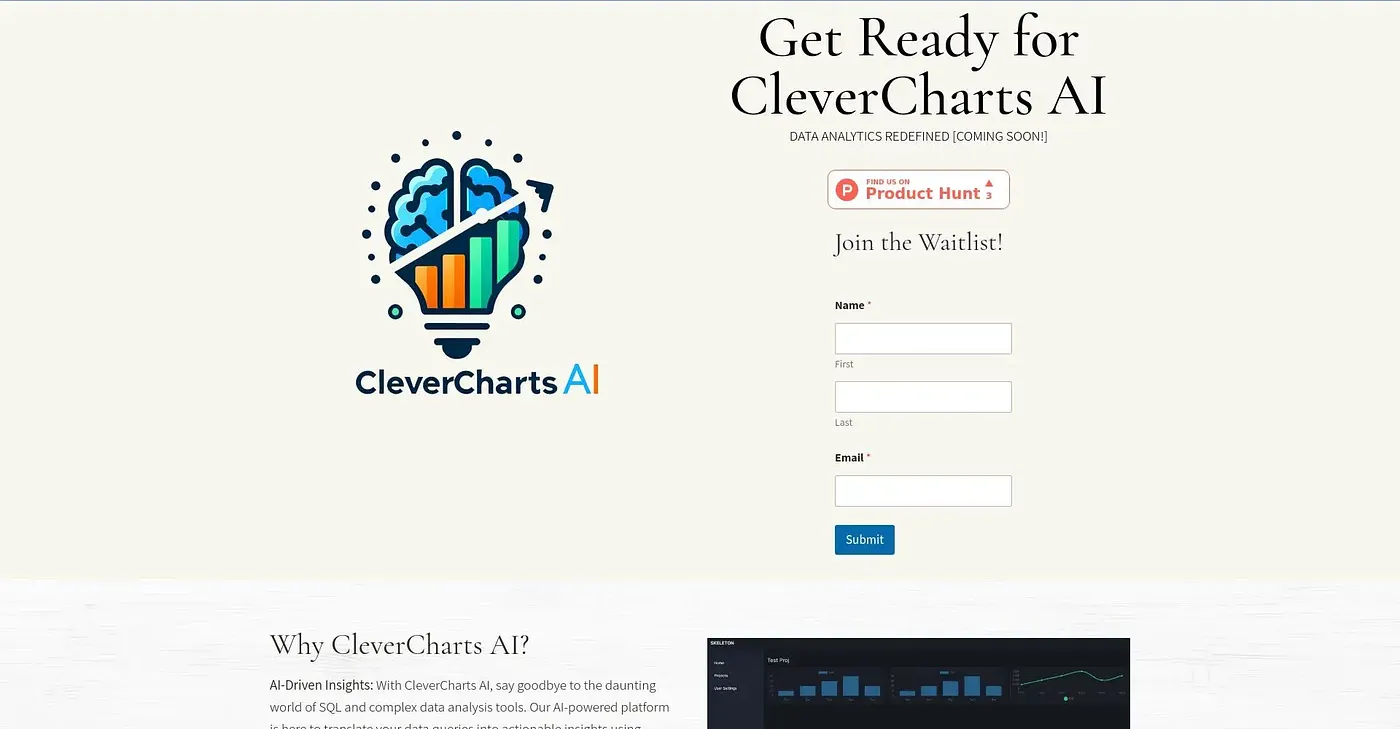
At a glance
3.7 out of 5
Scored by Alex after real useOur verdict
Clever Charts AI improves Tet security by spotting unreliable traffic but may take time to deploy effectively.
✓What it does well
✕Where it falls short
Key features
Questions about Clever Charts AI
What does Clever Charts AI do?
Clever Charts AI monitors web traffic in real time to spot unreliable or untrusted visits and help protect data integrity. It filters out untrusted visitors and issues immediate alerts when it detects suspicious activity. The reviewer notes it can take time to deploy effectively.
How long does Clever Charts AI take to set up?
Setup can be slow. The reviewer notes that deployment might take several weeks, which delays the security benefits. Alex scored Clever Charts AI 3.7 out of 5 after real use, with slow implementation listed first among its shortcomings.
Who is Clever Charts AI for?
Clever Charts AI is aimed at security teams and small businesses that want to detect fake visits and filter out untrusted web traffic. It is not for anyone with advanced customization needs, since the reviewer finds its customization options limited.
Does Clever Charts AI send alerts?
Yes. Clever Charts AI issues immediate notifications when it detects suspicious activity, based on real-time monitoring of web traffic patterns to identify anomalies. The reviewer counts these real-time notifications among the tool's main strengths.
What alternatives to Clever Charts AI does Toolio list?
Toolio lists JumboGPT Bulk Prompts For, Sgm Auto Chrome Extension, Gnosis IQ Chrome Extension and Znote as alternatives. Znote lets users run code inline, while JumboGPT Bulk Prompts For runs thousands of ChatGPT prompts at once and exports the answers to a spreadsheet.