DataScale
Auto-generate data diagrams and collaborate with AI.
At a glance
4.0 out of 5
Scored by Alex after real useOur verdict
Datascale excels at visualizing complex SQL architectures instantly via AI. It's ideal for teams needing quick insights into their data models. However, it charges extra for advanced features like wikis beyond the free trial.
✓What it does well
✕Where it falls short
Key features
Questions about DataScale
What does DataScale do?
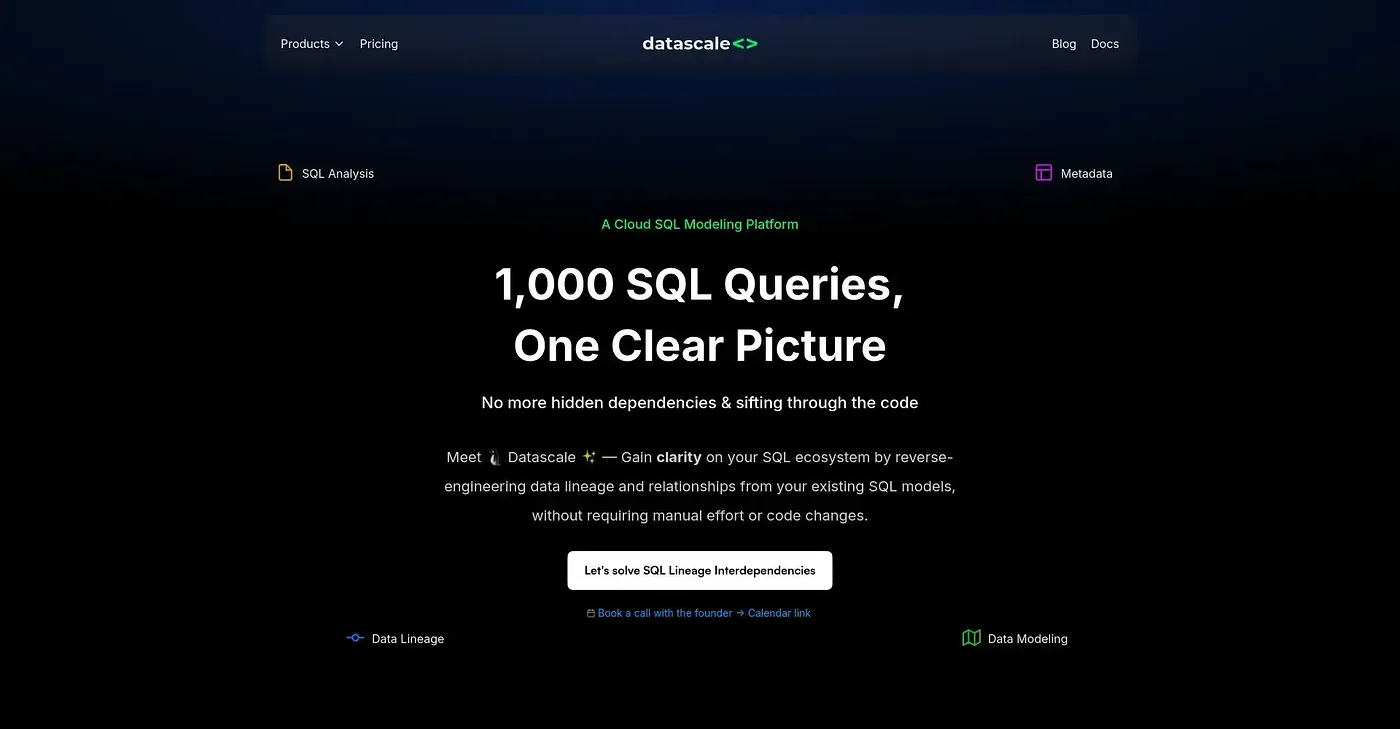
DataScale auto-generates data diagrams from existing SQL code and lets teams collaborate with an AI Copilot directly on the board. It visualizes data lineage and entity-relationship diagrams and auto-detects primary and foreign key relationships from implicit joins. The reviewer says it excels at visualizing complex SQL architectures instantly.
Is DataScale free?
DataScale has a limited free tier, and paid use starts at $12 per month, which includes unlimited team members, boards and the AI Copilot. The reviewer notes the free option covers only basic diagramming and AI assistance, and that wikis require a paid plan.
Who should use DataScale?
Toolio lists DataScale as best for software engineers and data professionals, and the reviewer calls it ideal for teams that need quick insights into their data models. It is not aimed at database administrators without programming experience.
Does DataScale require migrations or code changes?
No. The reviewer notes that DataScale does not require framework changes or migrations to start using it. It works from existing SQL code, reverse-engineering it into diagrams and uncovering hidden data relationships and dependencies automatically.
How does Toolio rate DataScale?
Alex gave DataScale a Toolio score of 4.0 out of 5 after real use, scoring it on 3 Oct 2026. The reviewer praises its instant auto-diagramming of SQL code and its direct chat with AI, which makes editing diagrams faster.