
Presentation GPT
Generates PowerPoint-ready slide decks from a prompt using its in-house LISA model.
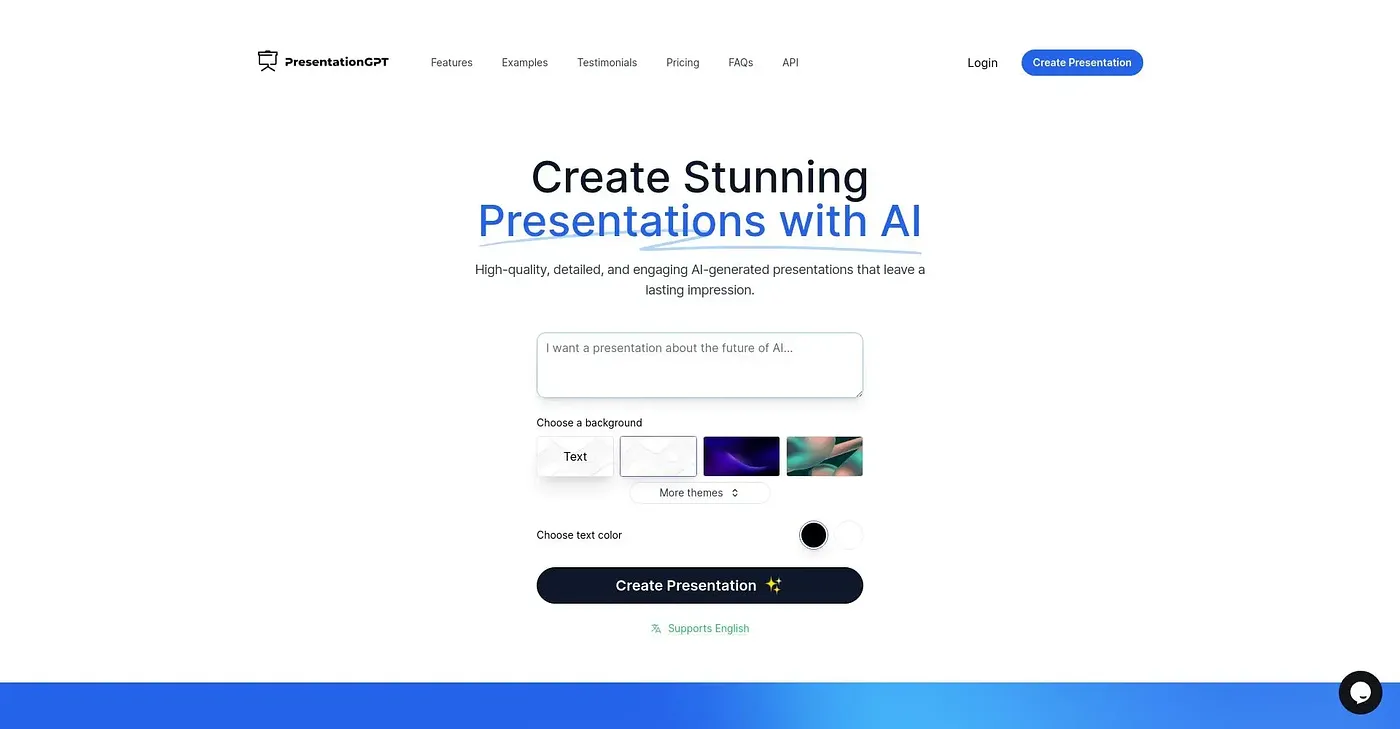
At a glance
4.0 out of 5
Scored by Alex after real useOur verdict
Presentation GPT generates a full slide deck in seconds using its own LISA language model, exporting to formats that open directly in PowerPoint or Google Slides for further editing. Anyone who wants to skip the blank-page stage of building a deck will find it saves real time. The free plan lets you build unlimited presentations but requires payment before you can download them, and going further costs $12 a month.
✓What it does well
✕Where it falls short
Key features
Questions about Presentation GPT
How does Presentation GPT work?
Presentation GPT builds a full slide deck from a text prompt in seconds, using LISA, its own language model trained for presentations. Users can choose backgrounds, themes and text colors before generating, and the finished deck opens directly in Microsoft PowerPoint or Google Slides for further editing.
Is Presentation GPT free?
Presentation GPT has a limited free plan that lets users build unlimited presentations, but payment is required before downloading them. The paid plan costs $12 per month and covers downloads and use beyond the basic templates.
What languages does Presentation GPT support?
Presentation GPT supports only English, with no other input languages listed. The reviewer counts this among its shortcomings, alongside the need to pay before downloading a deck and the subscription required for full use.
Who is Presentation GPT best for?
Presentation GPT suits people who need a quick first draft of a slide deck and want to skip the blank-page stage, and the reviewer says it saves real time. Presenters who want a fully free plan with unlimited downloads should look elsewhere, since downloads require payment.
What are some alternatives to Presentation GPT?
Toolio lists DataScale, MyLens AI and Sheet AI as alternatives to Presentation GPT. DataScale auto-generates data diagrams with AI collaboration, and Sheet AI runs text and media AI directly in Sheets. Presentation GPT itself scores 4.0 out of 5 on Toolio.