
FlexClip AI URL to Video
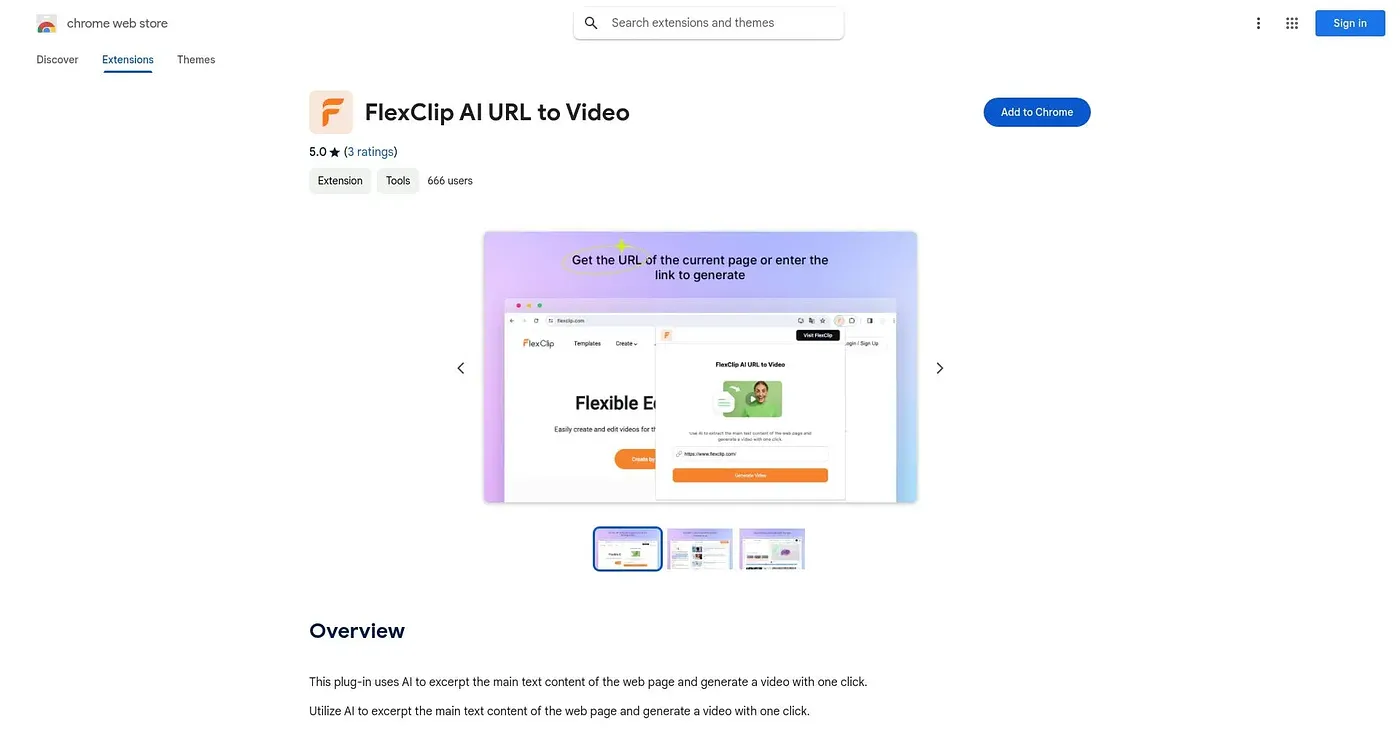
Turns any webpage into a short video with one click, pulling out the key text automatically.
At a glance
4.2 out of 5
Scored by Alex after real useOur verdict
FlexClip AI URL to Video reads a webpage, pulls out what its AI judges to be the most relevant text, and turns it into a video with one click, no editing skills required. Style, background music and text overlays can be adjusted afterward for a bit of branding. The AI extraction can miss nuance or context from the original page, and customization options stay fairly limited beyond those basics.
✓What it does well
✕Where it falls short
Key features
Questions about FlexClip AI URL to Video
What does FlexClip AI URL to Video do?
FlexClip AI URL to Video is a Chrome extension that turns a webpage into a short video with one click. Its AI reads the page, pulls out the text segments it judges most relevant, and builds the video without requiring any editing skills.
Is FlexClip AI URL to Video free?
FlexClip AI URL to Video is listed with a free tier at $0, but the vendor's site is offline, so Toolio found no current price. No paid plan is listed for the extension.
Can you customize videos made with FlexClip AI URL to Video?
Yes, within limits. Video style, background music and text overlays can be adjusted after the video is created, which allows some branding. The reviewer notes that customization options stay fairly limited beyond those basics.
What are the downsides of FlexClip AI URL to Video?
The AI-selected excerpts can miss nuance or context from the original page, and customization stays fairly limited beyond style, music and overlays. It also works only as a Chrome extension, with no separate app.
Who is FlexClip AI URL to Video best for?
It is best for marketers turning blog posts into quick social videos. Toolio lists it as not for anyone needing nuanced, fully accurate coverage of the source, and scores it 4.2 out of 5 after real use by Alex.