
Fronty
Turn a design into a live site with Fronty, but editing is limited to clicks only.
At a glance
4.0 out of 5
Scored by Alex after real useOur verdict
Fronty converts images to HTML and lets you edit by clicking. It's great for quick sites but not for complex changes without coding.
✓What it does well
✕Where it falls short
Key features
Questions about Fronty
What does Fronty do?
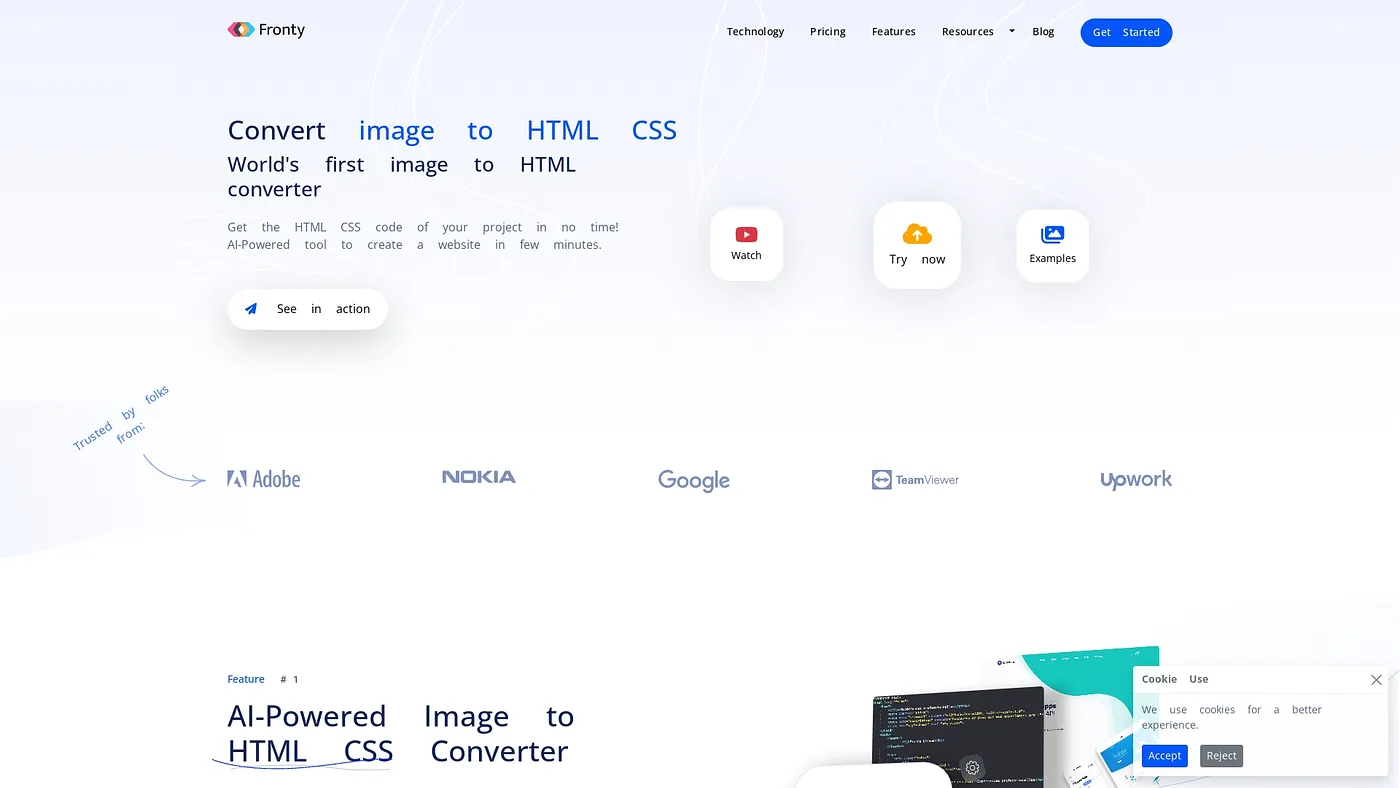
Fronty converts images into HTML and CSS within minutes, turning a design into a live site. Its no-code editor lets users add features such as databases and forms without writing code. Managed hosting is included, with HTTPS, backups, SEO-friendliness and mobile optimization.
How much does Fronty cost?
Fronty has a limited free version. The Basic plan costs $49 and includes all features except a custom domain, while the Pro plan costs $99 per month and adds a custom domain and advanced analytics. Toolio lists it as best for designers and small teams.
Can you add custom CSS in Fronty?
No. Fronty does not support custom CSS, which the reviewer says limits design flexibility for complex projects. Editing is limited to clicks, with no direct input or advanced text editing, so Toolio lists it as not for designers who require custom CSS.
Is Fronty good for complex websites?
Not really. The reviewer finds Fronty great for building quick sites, but not for complex changes without coding. Fronty holds a Toolio score of 4.0 out of 5, given by Alex after real use on 5 Oct 2026.
What are some alternatives to Fronty?
Toolio lists Frameblox, FN7, Visualize AI and Run Diffusion as alternatives to Fronty. Frameblox offers a Framer UI kit for website design, while Run Diffusion runs top AI tools on one platform. Fronty itself runs on the web.