
GPT Power Manager - Chrome Extension
Organizes ChatGPT conversations with pinning, custom tags and folders for structured workspaces.
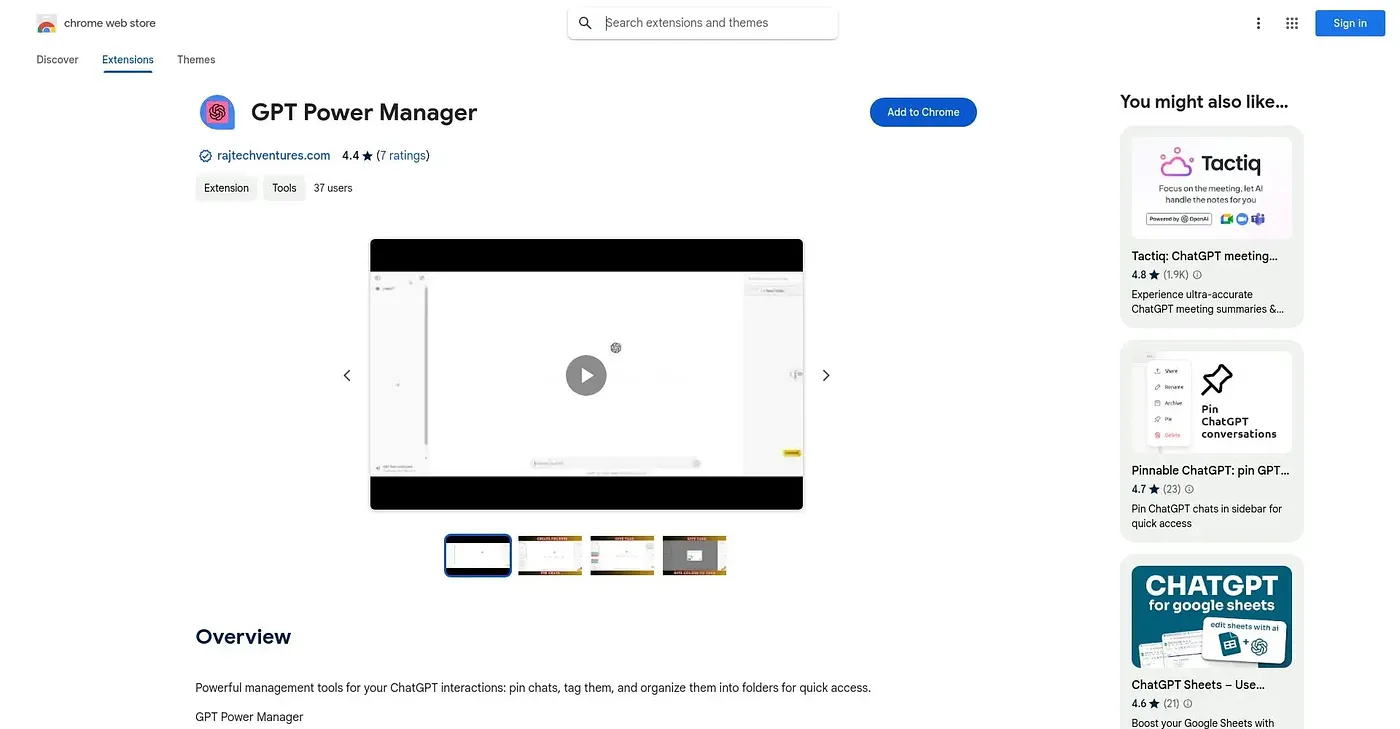
At a glance
Starts at
Free
The vendor's site is offline, so no current price was found.
Free tier
Yes
Platforms
Chrome
Best for
Heavy ChatGPT users managing lots of past conversations
Not for
Casual users who chat only occasionally
3.9 out of 5
Scored by a Toolio reviewer after real useOur verdict
GPT Power Manager pins important chats for quick access, adds a custom tagging system for categorizing conversations, and groups related chats into folders for a more structured workspace. It is built for people juggling enough ChatGPT conversations that finding an old one becomes a real chore. The tagging system can feel confusing at first, and organizing everything too heavily can end up overwhelming rather than helpful.
✓What it does well
Chat pinningImportant conversations can be pinned for immediate access.
Custom taggingChats can be labeled with custom tags for easier filtering.
Folder organizationRelated chats can be grouped into folders for a structured workspace.
✕Where it falls short
Tagging can confuse at firstThe tagging system is not immediately intuitive to new users.
Over-organizing can overwhelmExcessive tagging and folders can create an overwhelming experience that is not the clarity intended.
Chrome onlyIt only works as a Chrome extension, without a cross-browser version.
Key features
Chat pinningIt lets users pin important chats for quick access.
Custom tagging systemUsers can label chats with custom tags for organization.
Folder organizationRelated chats can be grouped into structured folders.
Streamlined navigationOrganized chats are easier to browse and retrieve later.