
LinkBook - Chrome Extension
Organizes bookmarks into folders with AI recommendations and shared team workspaces.
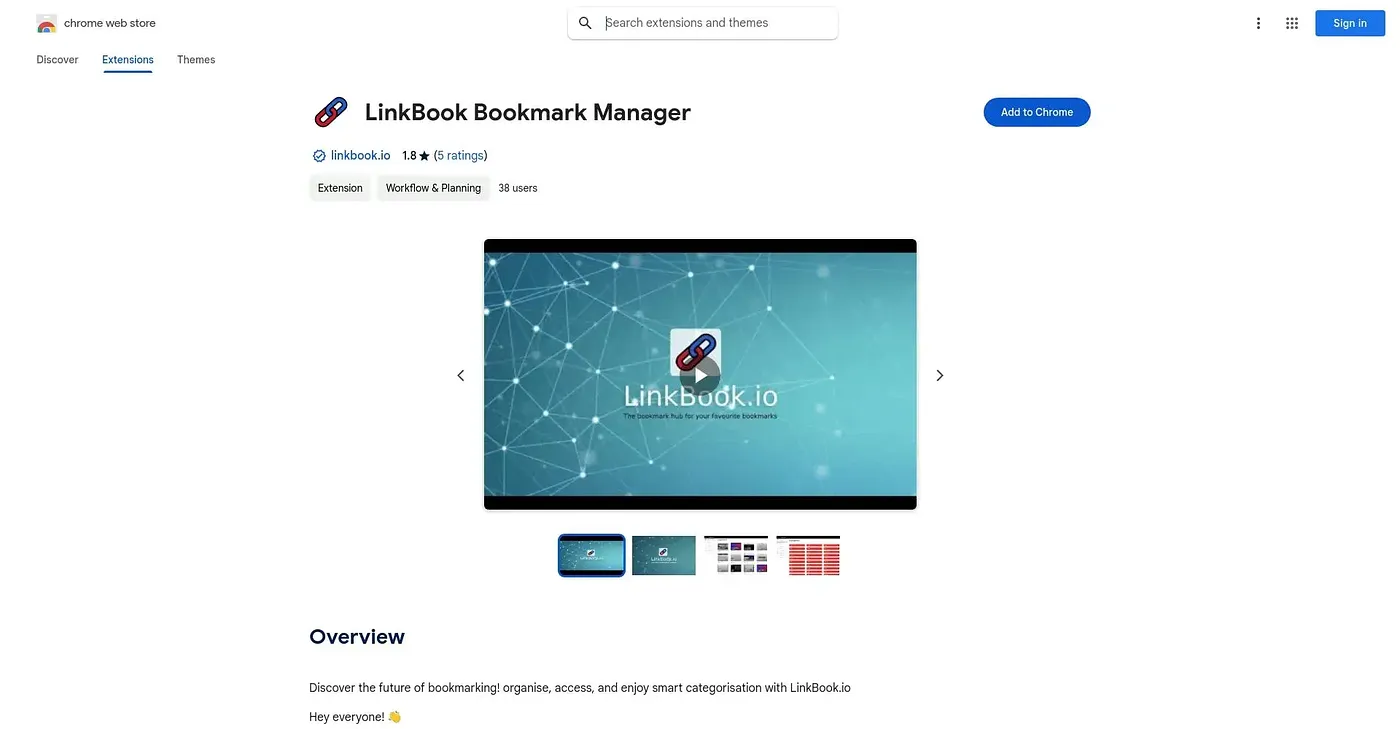
At a glance
Starts at
Free
Listed as free on the Chrome Web Store.
Free tier
Yes
Platforms
Chrome
Best for
Teams organizing and sharing saved links
Not for
Solo users wanting a minimal bookmarking tool
2.3 out of 5
Scored by Alex after real useOur verdict
Linkbook saves and categorizes bookmarks into folders with one click, syncing them across devices and letting you search through everything quickly. Workspaces let teams share folders together, and AI recommendations suggest new sites based on what you've already saved. It goes well beyond plain bookmarking with RSS feeds and advertiser tools like QR code generation, which adds more surface area than someone wanting a simple bookmark list may need.
✓What it does well
One-click savingYou bookmark any page in a single click, no extra steps needed.
Team workspacesShared workspaces let a team organize and access links together.
AI-powered recommendationsIt suggests new sites based on your saved bookmarks and browsing behavior.
✕Where it falls short
More than plain bookmarkingWorkspaces, RSS feeds, and advertiser tools add extra surface area beyond simple bookmark saving.
AI suggestions still rolling outThe AI recommendation feature is not yet fully live, described instead as coming soon.
Chrome onlyIt's offered as a Chrome extension, with no listed version for other browsers.
Key features
Folder organizationIt organizes saved pages into customizable folders.
Bookmark importIt imports existing bookmarks from any browser.
RSS feed integrationIt pulls fresh updates from favorite sites into your saved folders.
Multi-device syncIt syncs saved links across all your devices.