
Linkz AI
Works on any website, but lacks deep analytics.
At a glance
4.0 out of 5
Scored by Alex after real useOur verdict
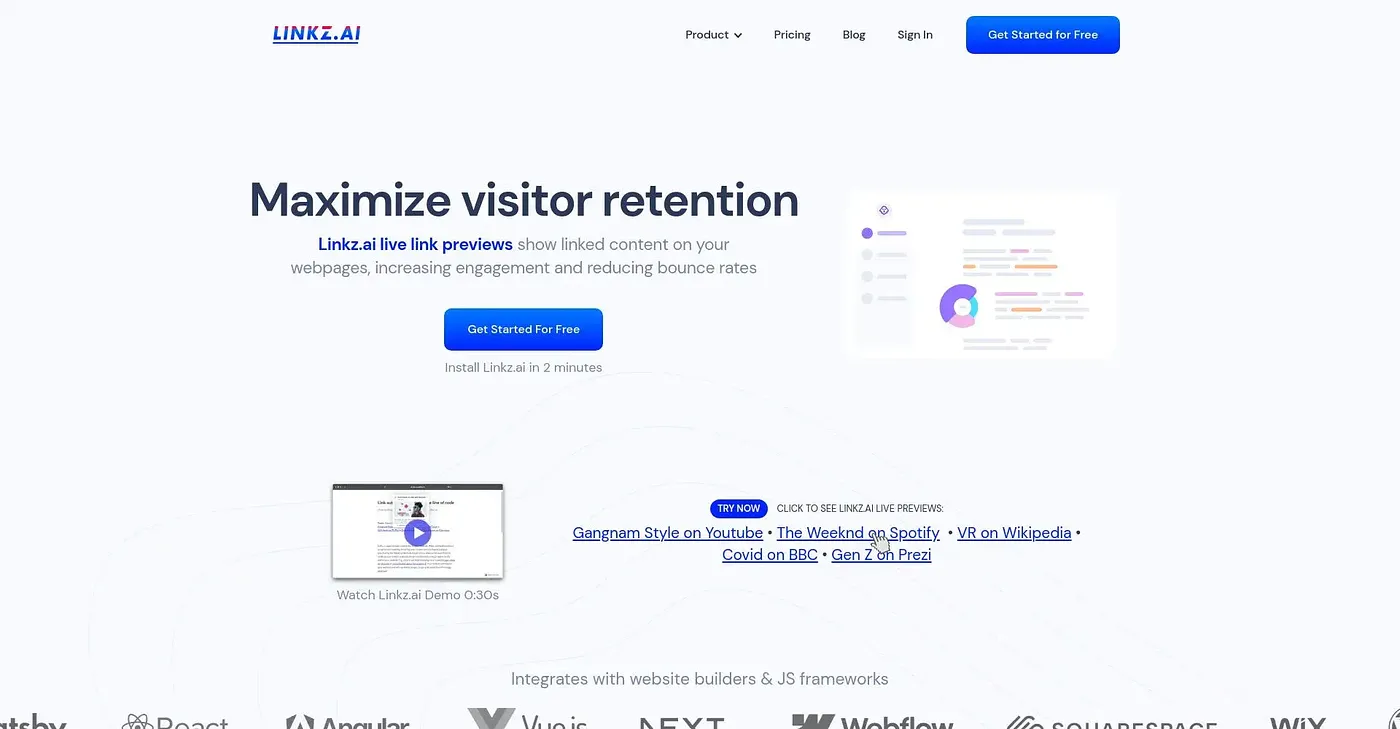
Linkz.ai adds rich link previews instantly, reducing bounce rates. Ideal for small websites but misses advanced tracking features.
✓What it does well
✕Where it falls short
Key features
Questions about Linkz AI
What does Linkz AI do?
Linkz AI adds rich link previews to websites, which the reviewer says reduces bounce rates. It installs with one line of HTML code, works across multiple website builders and frameworks, and supports previews for over 1000 URLs, including YouTube, Spotify and Wikipedia. Lazy loading boosts website loading speed.
How much does Linkz AI cost?
Linkz AI has a Free plan at $0 with 2,500 unique previews per month. The Blog plan costs $5 for 15,000 unique previews per month, and the Website plan costs $10 for 30,000 unique previews per month. Plans range from free up to unlimited options with increasing previews.
Does Linkz AI work with WordPress?
Yes. Linkz AI integrates with popular website builders like Webflow, Wix and WordPress, and Toolio describes it as working on any website. Setup takes one line of HTML code. It runs on the web and through an API.
What are the downsides of Linkz AI?
The reviewer lists three limits. Linkz AI lacks detailed analytics on how visitors interact with previews, file preview features are not included without extra plans, and mobile previews may be less user-friendly because of automatic light and dark mode toggling. Toolio lists it as not for heavy file users.
Who is Linkz AI best for?
Toolio lists Linkz AI as best for small to medium blogs and e-commerce stores. The reviewer calls it ideal for small websites but notes that it misses advanced tracking features. Alex scored it 4.0 out of 5 after real use.