
Pump
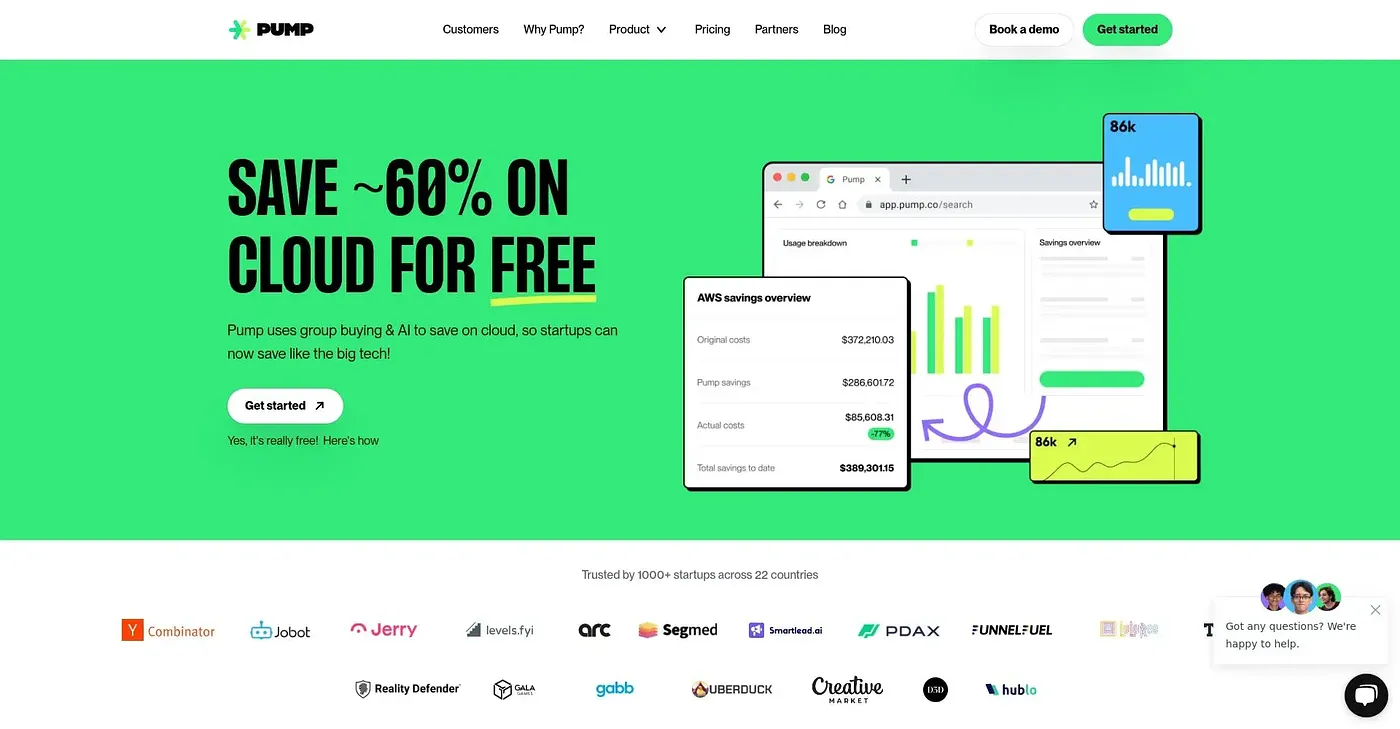
Pump optimizes your cloud spend, giving you full visibility and savings automation. It requires no engineering setup.
At a glance
4.0 out of 5
Scored by Alex after real useOur verdict
Perfect for tech teams needing to manage their cloud costs without the hassle of engineering. Not ideal if you prefer a hands-on approach with your cloud operations.
✓What it does well
✕Where it falls short
Key features
Questions about Pump
What does Pump do?
Pump optimizes cloud spend on AWS, GCP and Azure, giving full visibility and savings automation. Its AI Savings Finder continuously looks for the best pricing options and applies savings plans, while cost breakdown tools show where money goes and forecast future cloud costs.
Is Pump free?
Pump has a free tier at $0, and paid plans start at $5,000 per month. The vendor says no engineering is required and that savings on AWS, GCP and Azure are applied automatically.
Who is Pump best for?
Toolio lists tech teams managing AWS, GCP or Azure as the best fit for Pump, and the reviewer recommends it for managing cloud costs without the hassle of engineering. It is not ideal for teams that prefer a hands-on approach to cloud operations or that have custom security needs.
Does Pump include security scanning?
Yes. Pump includes built-in security scans against compliance frameworks, with step-by-step guidance for fixing issues. The reviewer notes that the scans only cover specific industry frameworks rather than custom environments, which is one of the tool's main limits.
What are some alternatives to Pump?
Toolio lists Landian, Digitap, FinChat AI and Cheddar Flow as alternatives to Pump. Digitap offers end-to-end APIs for digital onboarding, and Cheddar Flow tracks real-time options order flow and dark pool activity with AI alerts. Alex scored Pump 4.0 out of 5 after real use.