
Save ChatGPT to Notion - Chrome Extension
Batch-exports ChatGPT conversations, including Deep Research reports, into a searchable Notion workspace.
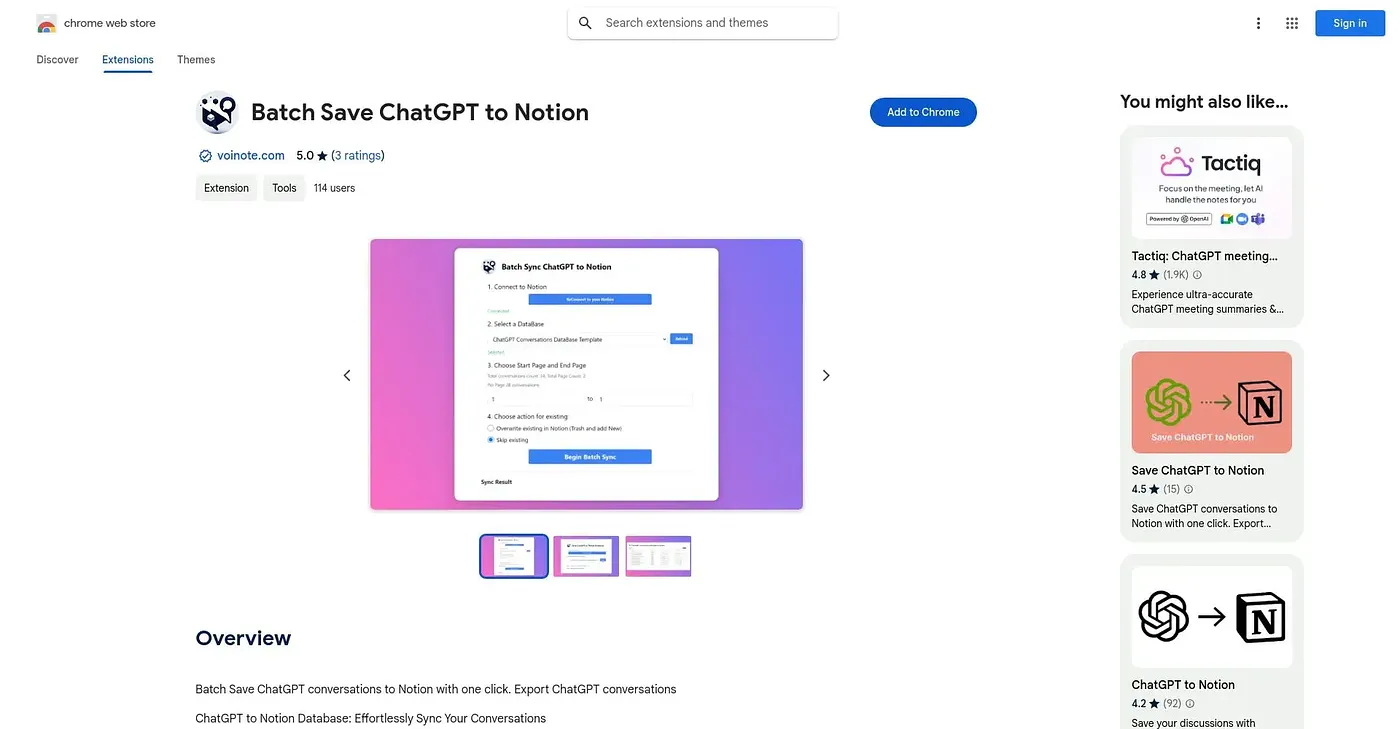
At a glance
3.9 out of 5
Scored by Alex after real useOur verdict
This extension saves ChatGPT chats, project conversations, archived history and even Deep Research reports into Notion, splitting oversized conversations into child pages so they don't bog down a single page. It handles duplicates by letting you skip, overwrite or duplicate existing pages, and tracks sync results so you can see what succeeded or failed. Its whole value depends on already using Notion as your knowledge base, since that's the only destination it supports.
✓What it does well
✕Where it falls short
Key features
Questions about Save ChatGPT to Notion - Chrome Extension
What does Save ChatGPT to Notion - Chrome Extension do?
Save ChatGPT to Notion batch-exports ChatGPT chats, project conversations, archived history and Deep Research reports into a searchable Notion workspace. Oversized conversations are split into child pages so a single page does not bog down, and sync results show what succeeded or failed.
Can Save ChatGPT to Notion - Chrome Extension save Deep Research reports?
Yes. The reviewer lists Deep Research export among its strengths, saving full reports as structured Notion pages. It can also export archived conversations with an Archived tag added automatically and add custom Notion tags to exported pages for filtering.
Is Save ChatGPT to Notion - Chrome Extension free?
Yes, it has a free tier, and no paid plan was found on the Chrome Web Store in September 2026. It runs on Chrome and works with both personal and team ChatGPT accounts.
What are the downsides of Save ChatGPT to Notion - Chrome Extension?
Notion is the only destination it supports, so it offers nothing to people who organize notes elsewhere. Oversized conversations need splitting into child pages to avoid lag, and big exports require loading the exact conversation count before they run.
How does Save ChatGPT to Notion - Chrome Extension handle duplicate pages?
When a conversation has already been saved, the extension lets users skip it, overwrite the existing page or create a duplicate. Alex scored the extension 3.9 out of 5 after real use, rating it best for Notion users building a long-term ChatGPT knowledge base.