
SuperChat ChatGPT Website Chrome Extension
Lets you interrogate whatever long page you're reading with plain-language questions.
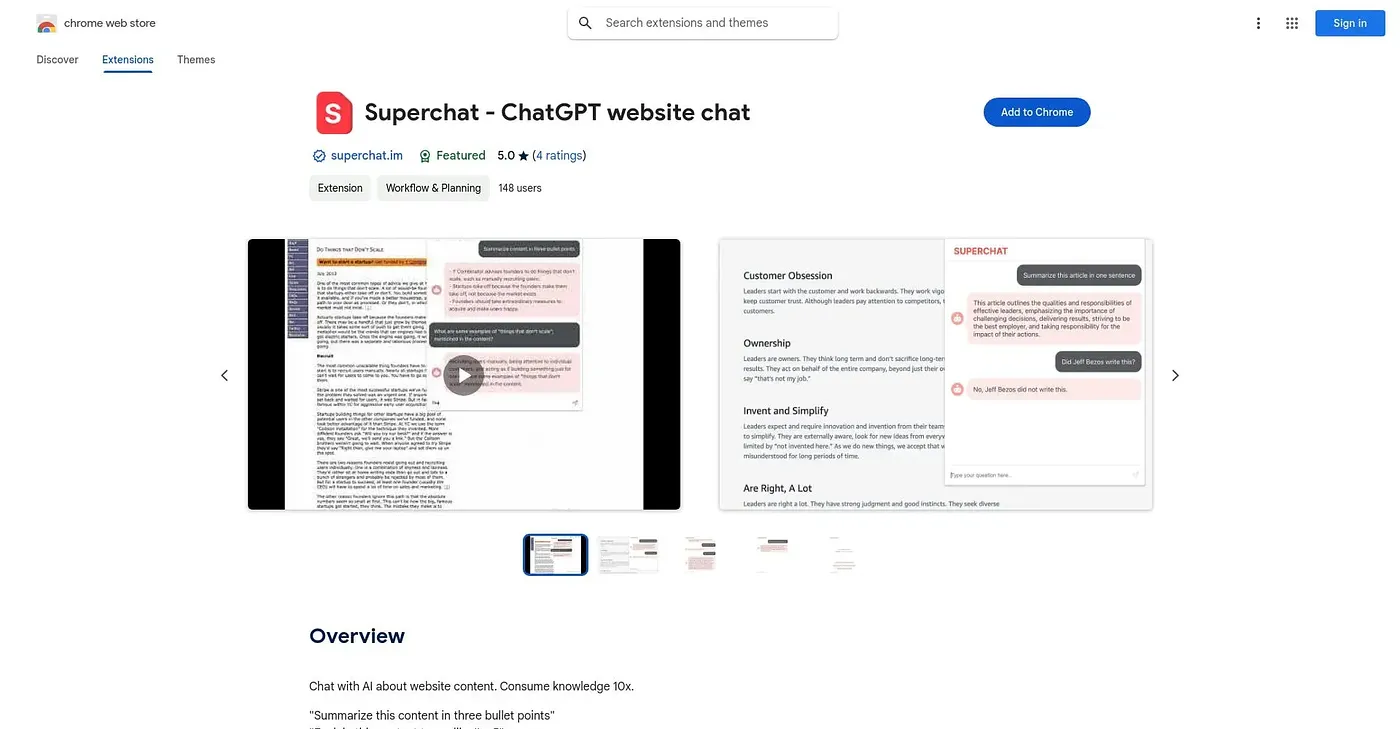
At a glance
Starts at
Free
No paid plan found on the Chrome Web Store, September 2026.
Free tier
Yes
Platforms
Chrome
Best for
Readers wanting a quick gist of long documents
Not for
Anyone wanting a permanent record of the answers
5.0 out of 5
Scored by Alex after real useOur verdict
Superchat lets you ask a ChatGPT-powered assistant questions about whatever webpage you're viewing, whether that's a three-bullet summary or an explanation simple enough for a five-year-old. It's triggered with a Cmd/Ctrl+Shift+S shortcut, aimed squarely at getting through long, detail-heavy documents faster. With only three ratings on record and no mention of saving past answers, it looks more like a lightweight utility than a full research tool.
✓What it does well
Plain-language page Q&AAnswers natural-language questions about the content of the current page.
Keyboard shortcut triggerOpens instantly with a Cmd/Ctrl+Shift+S shortcut.
Flexible question stylesHandles anything from a quick summary to a simplified explanation.
✕Where it falls short
Small rating sampleOnly three ratings exist, too few to judge broader reliability.
No saved answer historyThere is no mention of saving past questions or answers for later.
Page-based onlyIt only works on the page you have open, not saved or offline documents.
Key features
Page content Q&AAnswers questions about the content of the current webpage.
Keyboard shortcut accessLaunches with a Command or Control plus Shift plus S shortcut.
ChatGPT-powered responsesUses ChatGPT to generate answers about page content.
Flexible question phrasingAccepts open-ended, natural-language questions about the page.