
VideoToTextAI
Convert videos and audio into text easily.
At a glance
4.0 out of 5
Scored by Alex after real useOur verdict
VideoToTextAI converts video and audio to clean text quickly but struggles with complex transcripts and specific file types.
✓What it does well
✕Where it falls short
Key features
Questions about VideoToTextAI
What does VideoToTextAI do?
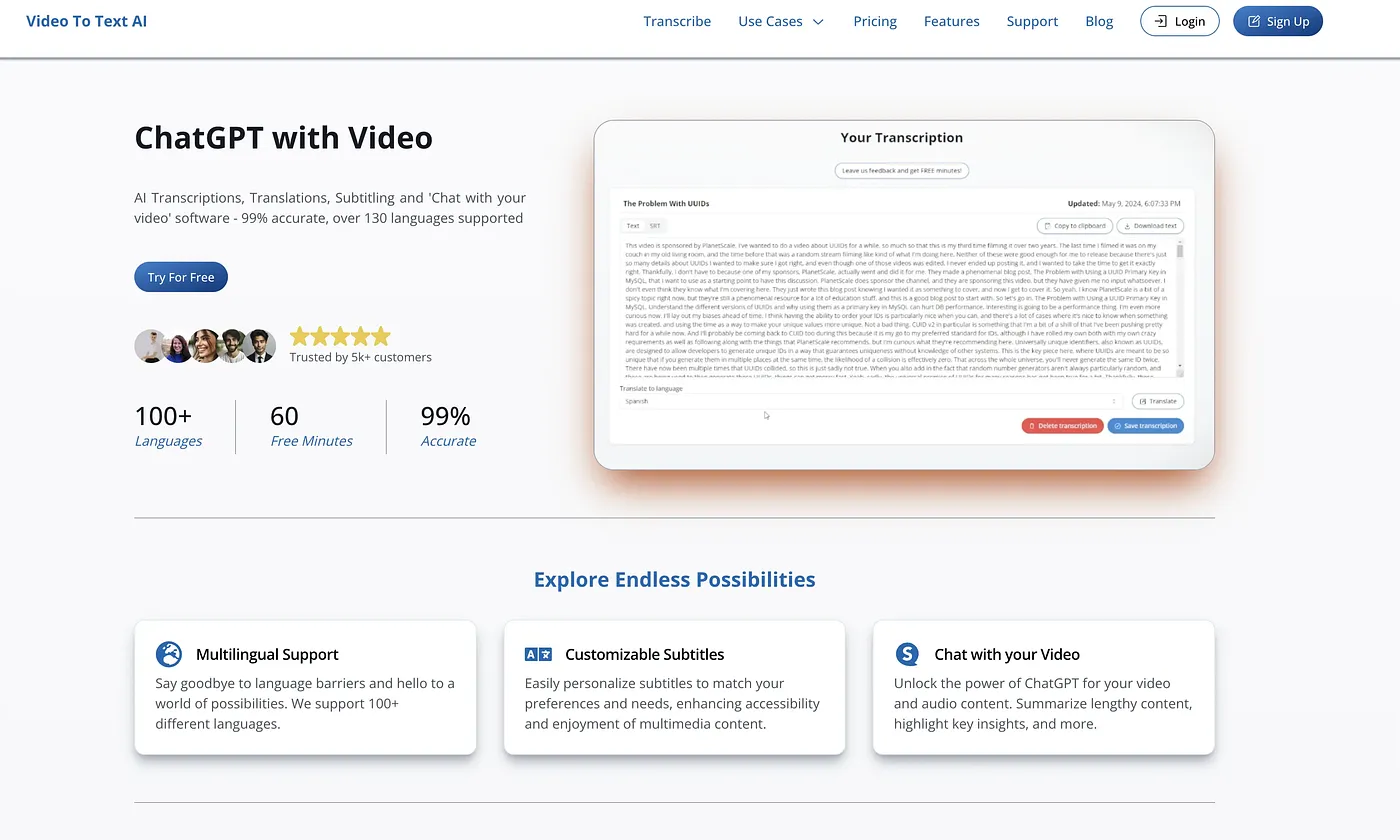
VideoToTextAI converts video and audio into clean text, generating transcripts in minutes from supported files and links. It works with Instagram, TikTok, podcasts, meetings and more, and transcripts can be turned into LinkedIn posts or email drafts. Text can be exported in SRT or VTT formats.
Is VideoToTextAI free?
VideoToTextAI has a limited free tier at $0 per month. The Pro Plan costs $40 and includes 1200 credits monthly for extensive transcription needs, while the Annual Pro Plan costs $20 per month with annual billing.
What are the downsides of VideoToTextAI?
The reviewer notes that VideoToTextAI struggles with complex transcripts and with non-standard or large file formats. Editing options do not go beyond basic text edits and translations. Toolio lists it as not for complex file editors.
Who should use VideoToTextAI?
Toolio lists content creators and marketers as the best fit for VideoToTextAI. It suits people who want quick transcripts from social clips, podcasts or meetings and plan to repurpose them into posts or email drafts. Anyone working with complex or unusual file types may run into its limits.
How does Toolio rate VideoToTextAI?
VideoToTextAI scores 4.0 out of 5 on Toolio, scored by Alex after real use on 3 Oct 2026. Toolio lists WizWrite, Lumenvox, File Transcribe and Super Whisper as alternatives, with Super Whisper described as converting voice to text in apps.