
Whisper UI
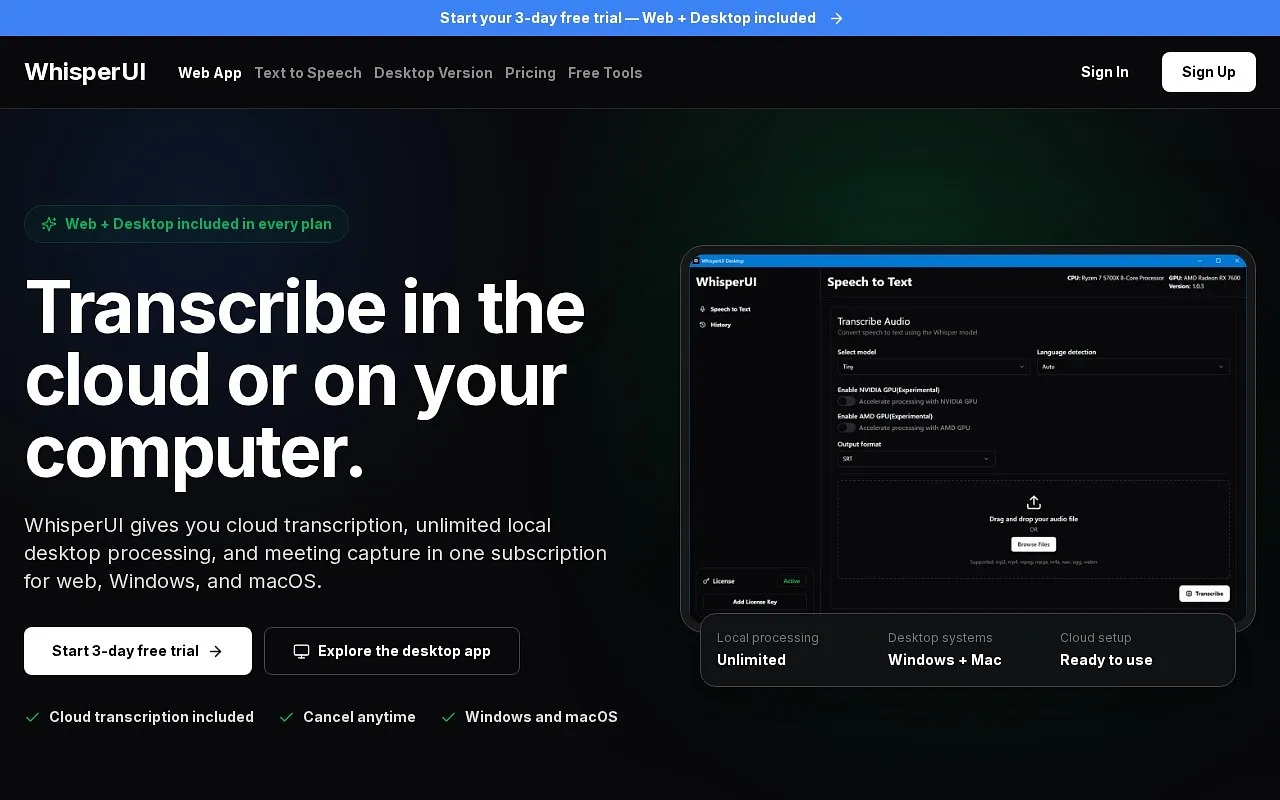
Transcribe audio in the cloud or locally with WhisperUI Web and Desktop for Windows and macOS.
At a glance
3.9 out of 5
Scored by Alex after real useOur verdict
WhisperUI offers local transcription without needing an internet connection. It’s great for those who need privacy but can be slower than online services when waiting for the file to process locally.
✓What it does well
✕Where it falls short
Key features
Questions about Whisper UI
What is Whisper UI?
Whisper UI transcribes audio either in the cloud or locally, through WhisperUI Web and desktop apps for Windows and macOS. Files are added through a simple drag-and-drop interface, and it transcribes audio in multiple languages. Cloud sync keeps transcriptions synchronized across devices.
How much does Whisper UI cost?
Whisper UI's Individual plan costs $29.99 per month, the price the vendor published in September 2026. There is no free tier. Toolio lists it as best for freelance transcribers and content creators.
Can Whisper UI transcribe without an internet connection?
Yes. Whisper UI can transcribe audio locally without an internet connection, which the reviewer sees as a good fit for anyone who needs privacy. The trade-off is speed, since local processing can be slower than online services while the file is processed.
Does Whisper UI have a mobile app?
No. Whisper UI runs on the web, macOS and Windows, and the reviewer lists the lack of a mobile app for on-the-go transcription among its shortcomings. Alex scored it 3.9 out of 5 after real use on 5 Oct 2026.
What are some alternatives to Whisper UI?
Toolio lists four alternatives to Whisper UI. Speedy Audios handles quick transcriptions rather than long recordings, GetFreed is an AI scribe and notes tool that is free for residents, Notion AI automates busywork and writes meeting notes, and Organize ChatGPT Chrome Extension helps manage ChatGPT conversations.