
Chippy AI Writer with GPT - Chrome Extension
Answers, writes and explains code from any page with a keyboard shortcut, storing chats locally.
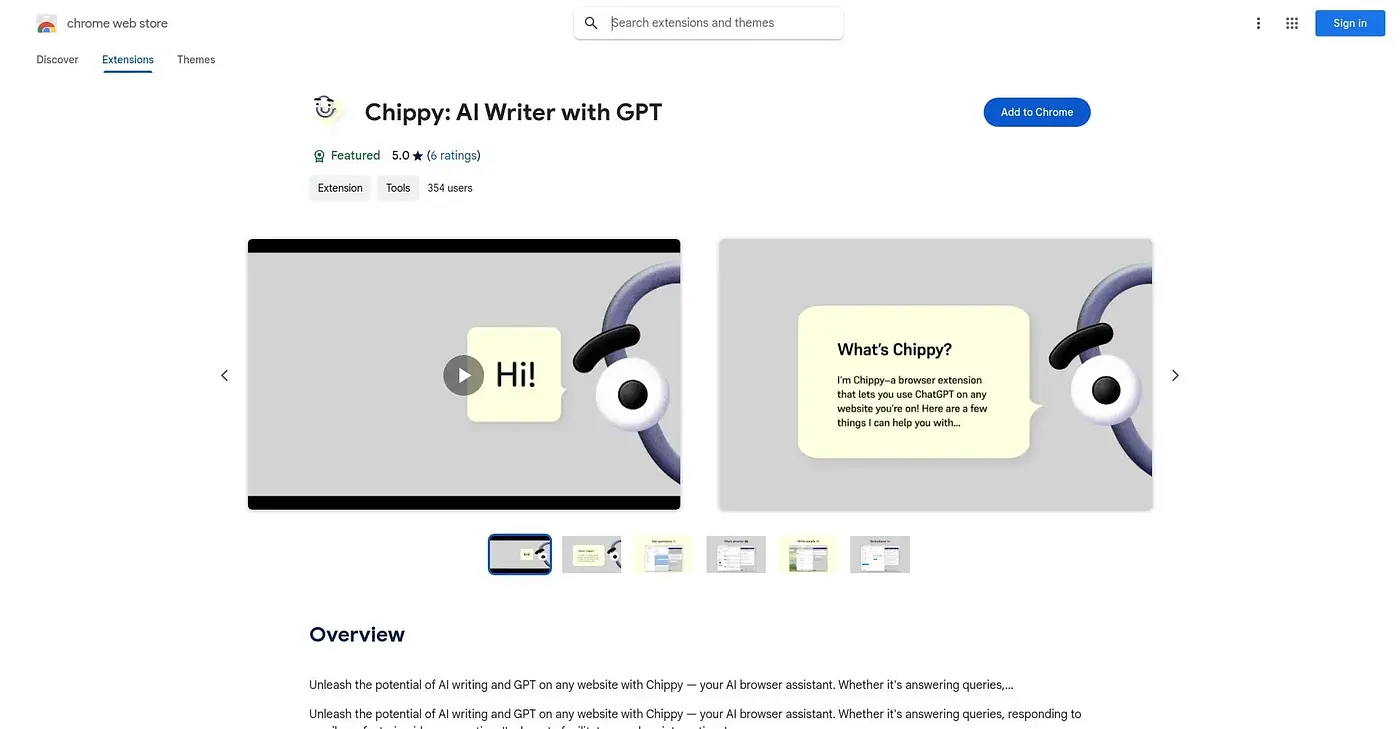
At a glance
Starts at
Free
No paid plan found on the Chrome Web Store, September 2026.
Free tier
Yes
Platforms
Chrome
Best for
People wanting a quick AI shortcut across writing and code
Not for
Anyone needing cloud-synced conversations across devices
5.0 out of 5
Scored by Alex after real useOur verdict
Chippy opens with a single keyboard shortcut and works on selected text right on the page - writing replies, explaining code, fixing bugs, translating, or searching the page itself rather than relying only on ChatGPT's training data. Conversations stay stored locally rather than syncing anywhere, which keeps things private but device-bound. The free version works, though in-app purchases add further capability.
✓What it does well
Keyboard shortcut accessOpens instantly with a single keyboard shortcut.
On-page searchSearches the current page for context beyond ChatGPT's own knowledge.
Coding helpExplains code, fixes bugs and suggests best practices.
✕Where it falls short
Local-only storageStores conversations only locally, without cross-device sync.
In-app purchasesRequires in-app purchases for some additional features.
Unofficial toolIs not affiliated with Microsoft despite working across the browser.
Key features
AI writingDrafts replies and content directly on any page.
On-page searchNarrows search results to the content of the current page.
Suggested promptsOffers suggested prompts and follow-up questions automatically.
Code assistanceFixes bugs and explains code as a programming sidekick.