
Chrome Autopilot AI - Chrome Extension
An AI agent that clicks, types and navigates your browser hands-free while managing inbox and calendar.
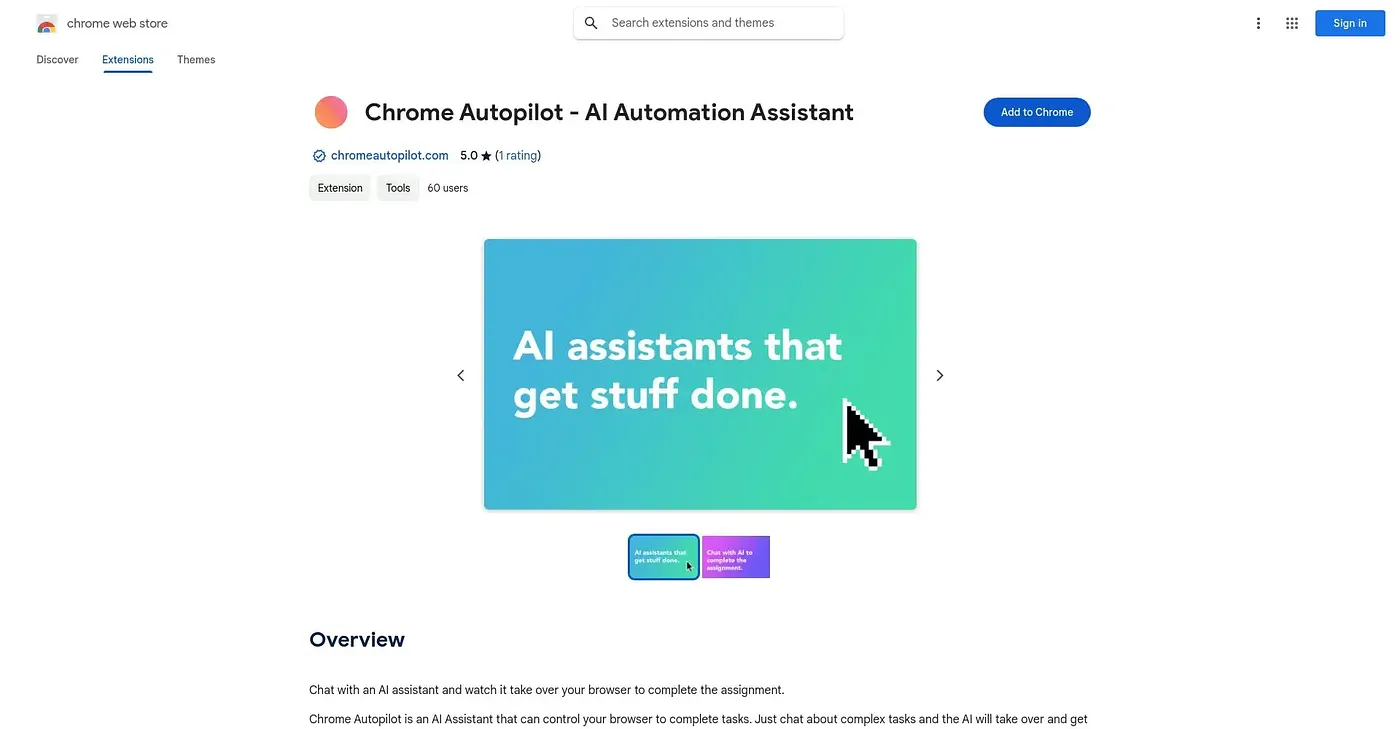
At a glance
Starts at
Free
Listed as free on the Chrome Web Store.
Free tier
Yes
Platforms
Chrome
Best for
People wanting an AI agent to handle busywork automatically
Not for
Anyone wary of an AI agent acting in their browser
4.5 out of 5
Scored by Alex after real useOur verdict
Sidekick for Chrome acts as an autonomous browser agent, clicking, typing and navigating pages to summarize documents, draft replies, manage your inbox and calendar, and even join meetings or make phone calls on your behalf. It bundles ChatGPT, Claude, Gemini and Grok so you're not locked into one model. Letting an AI agent take real actions in your browser and inbox is a bigger leap of trust than a simple chat assistant, and in-app purchases open up the Pro tier for the full set of capabilities.
✓What it does well
Hands-free browsingClicks, types and navigates pages without manual input.
Inbox and calendar managementManages your inbox, calendar and tasks automatically.
Multi-model accessCombines ChatGPT, Claude, Gemini and Grok in one place.
✕Where it falls short
High trust requiredRequires trusting an AI agent to act directly in your browser.
Pro features paywalledKeeps its full executive-assistant features behind a paid Pro tier.
New agent capabilitiesAutomates phone calls and meetings, an ambitious scope without a long track record.
Key features
Browser automationRuns no-code automations that click and fill in pages.
Meeting handlingJoins meetings and can make phone calls directly.
Task captureCaptures reminders, ideas and to-dos instantly.
Multi-model chatSwitches between ChatGPT, Claude, Gemini and Grok as needed.