
Text Enhancer
Ideal for quick grammar corrections, not suitable for detailed content creation.
At a glance
3.9 out of 5
Scored by Alex after real useOur verdict
Text Enhancer AI enhances clarity and grammar but lacks in-depth rewrites. It's great for minor adjustments, not deep revisions.
✓What it does well
✕Where it falls short
Key features
Questions about Text Enhancer
What does Text Enhancer do?
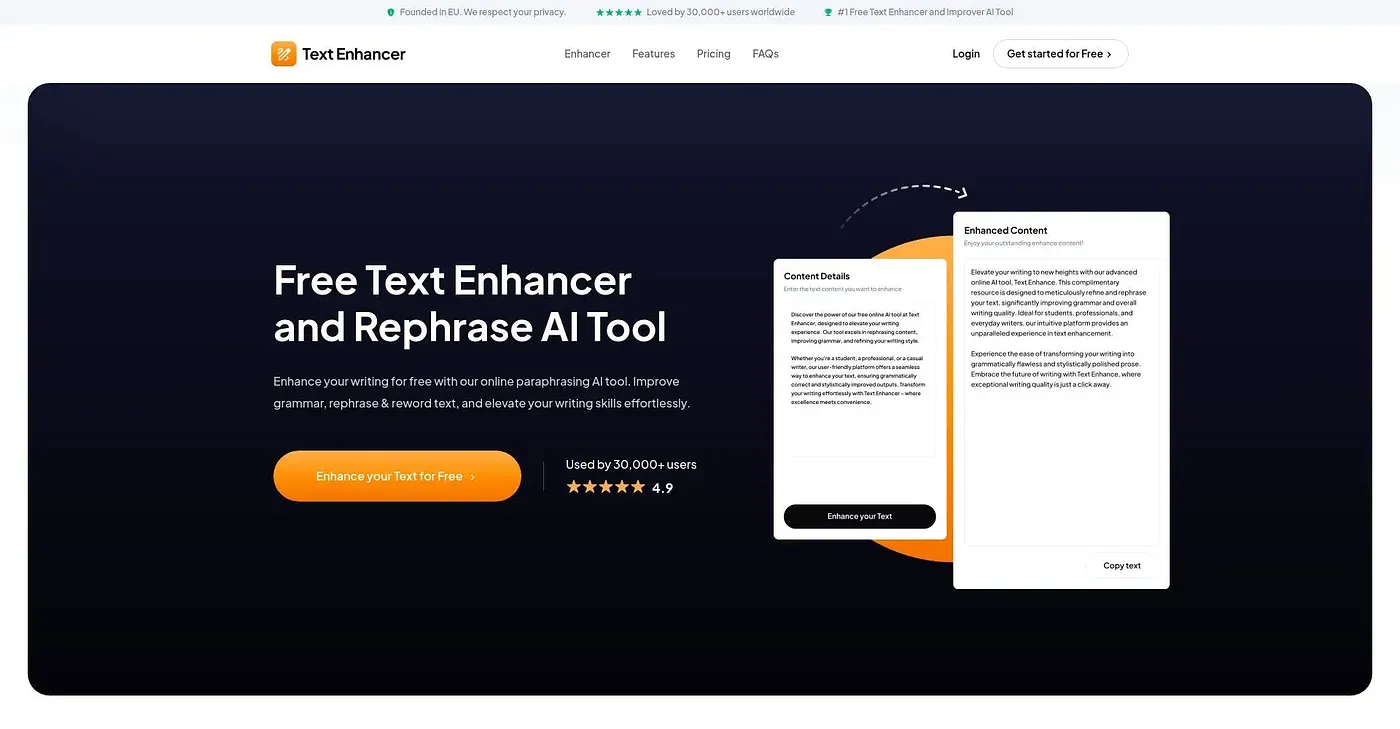
Text Enhancer is a web-based AI tool for quick grammar corrections and clarity improvements. It fixes grammatical errors, paraphrases sentences to improve readability, and refines writing into well-structured text. The reviewer calls it great for minor adjustments rather than deep revisions.
Is Text Enhancer free to use?
Text Enhancer offers a free version with basic features, and Toolio lists it as having a free tier. Advanced options such as content tones and unlimited characters cost extra and require upgrading to a paid plan.
Who should use Text Enhancer?
Text Enhancer suits students, professionals and everyday writers who want quick fixes to grammar and clarity. Toolio does not recommend it for advanced creative writers, because it focuses on grammar improvements rather than detailed stylistic changes.
What are the limits of Text Enhancer?
The reviewer notes that Text Enhancer does not offer extensive rewording options or styles beyond grammar corrections, and it stays focused on grammar rather than detailed stylistic changes, so it is not suited to deep revisions. Toolio scores it 3.9 out of 5.
What are some alternatives to Text Enhancer?
Toolio lists Polite Post, Humanize AI Text, Ally Chrome Extension and UnAIMyText as alternatives to Text Enhancer. Polite Post rewrites emails professionally, Humanize AI Text turns AI-generated text into natural content, Ally drafts text through the user's own OpenAI API key, and UnAIMyText limits visitors to 450 words per input.